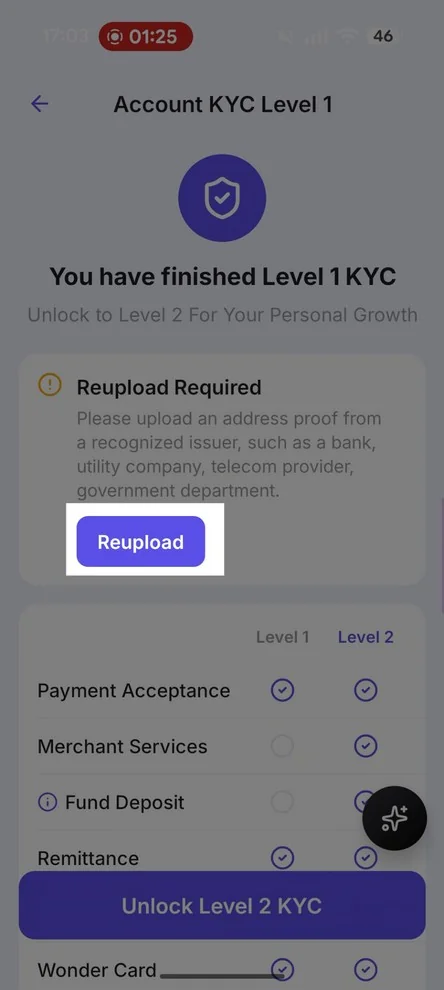
如何提升貴公司的 KYC 等級
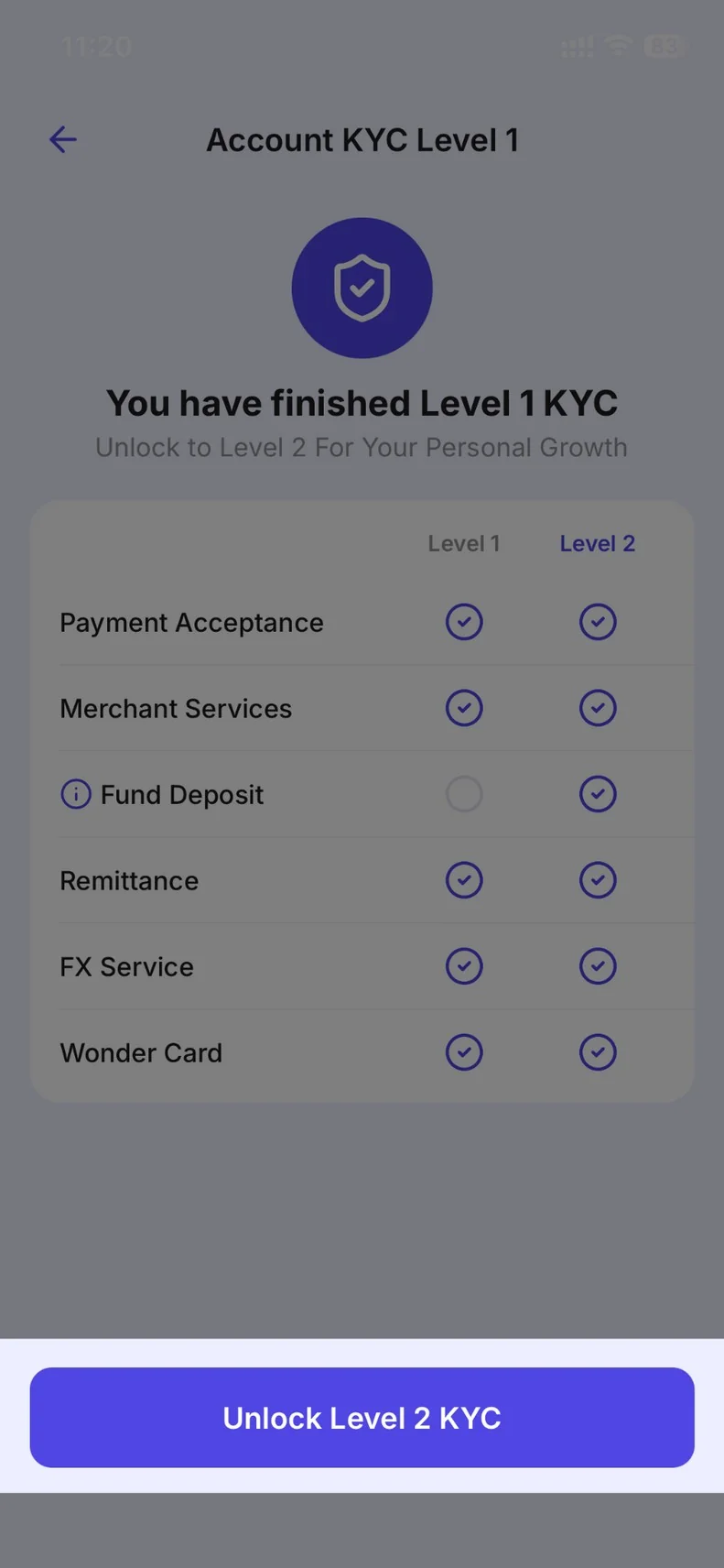
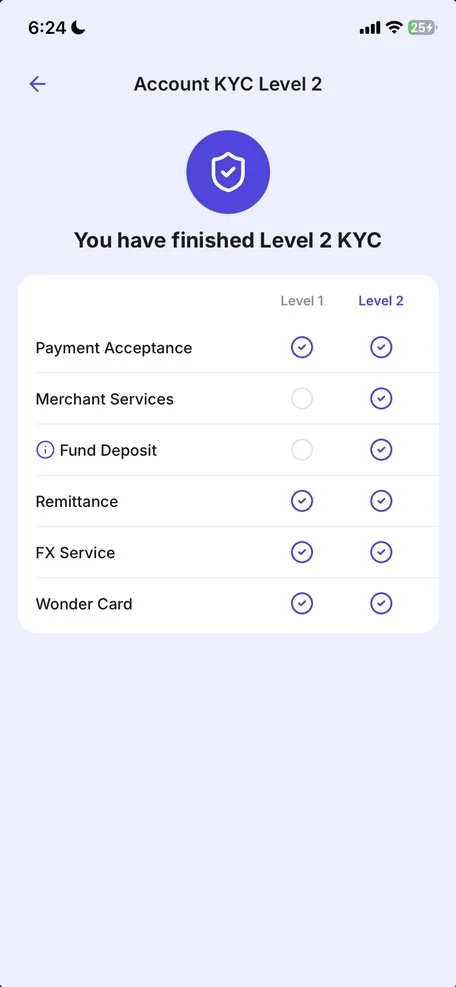
帳戶 KYC 第 2 級是一項額外的驗證程序,需提供地址證明以解鎖更多功能(例如資金存款及商家服務)。此程序與「使用者設定」中的「個人身分驗證」不同。
來自首頁(此橫幅僅向部分使用者顯示)
- Open Account in your Personal Account and tap the KYC Level 2 card.
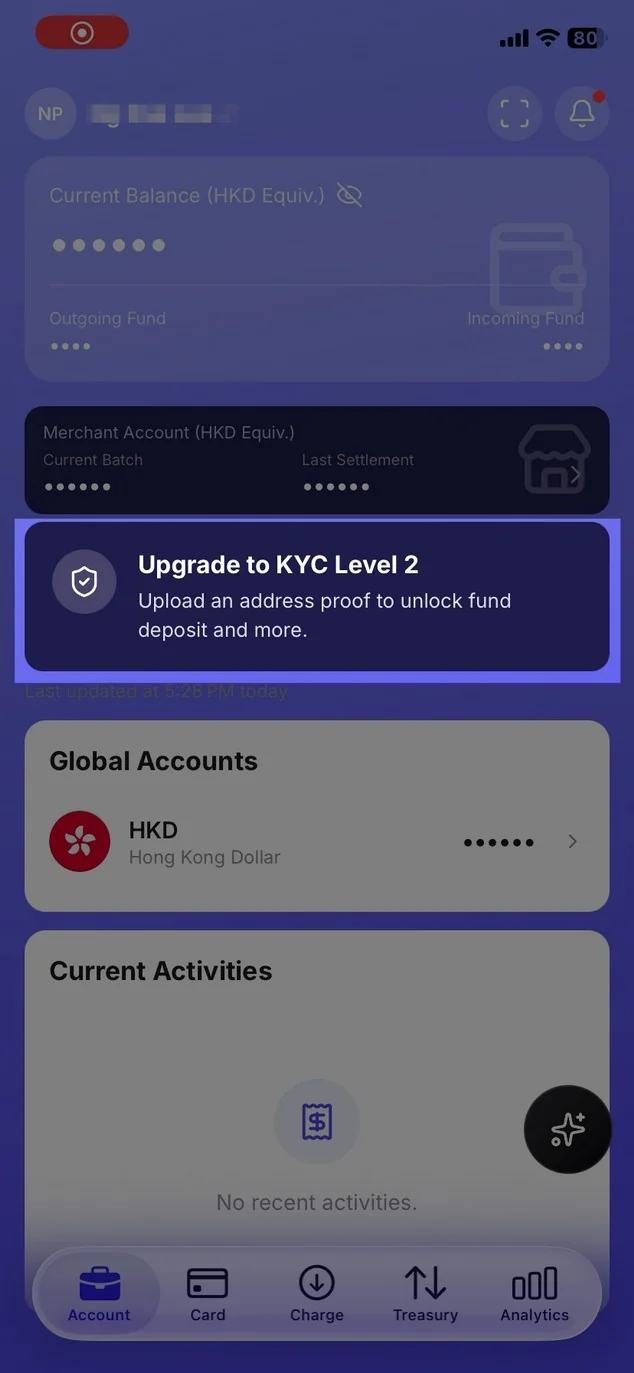
- If shown, tap Unlock Level 2 KYC.
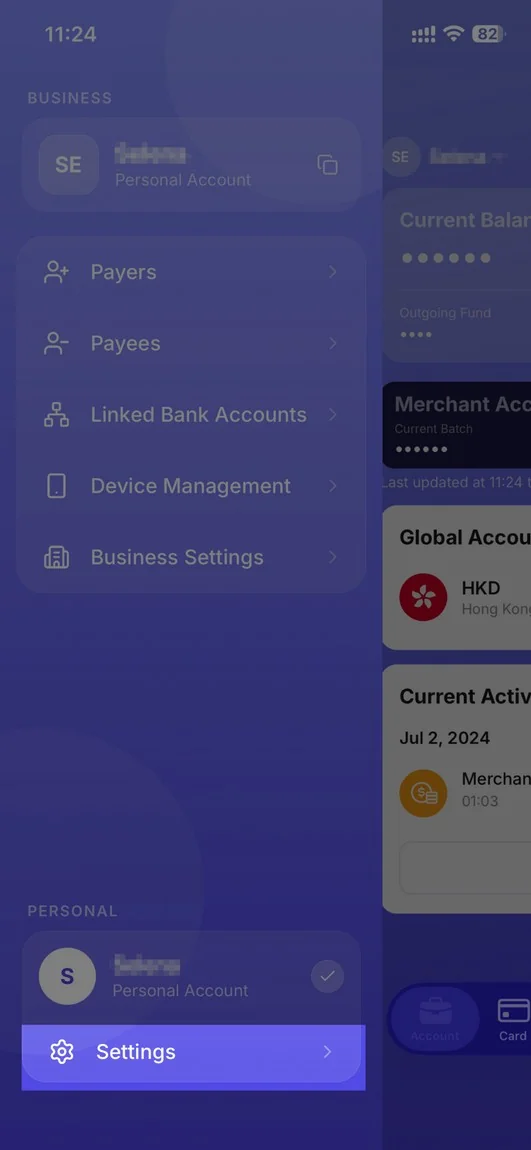
從「設定」進入(若未顯示橫幅,請使用此選項)
- Open Settings (menu, or the person icon on Business Directory).
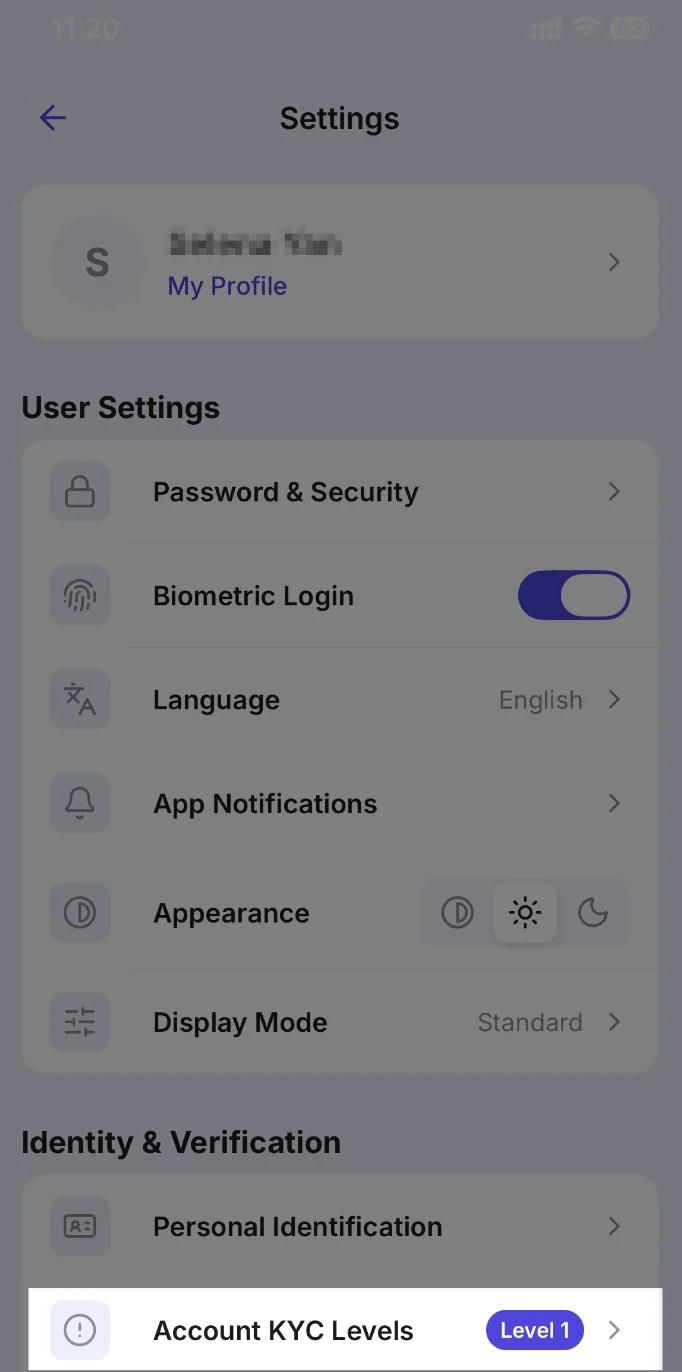
- Under Identity & Verification, tap Account KYC Levels.
- Tap Unlock Level 2 KYC if it is shown.
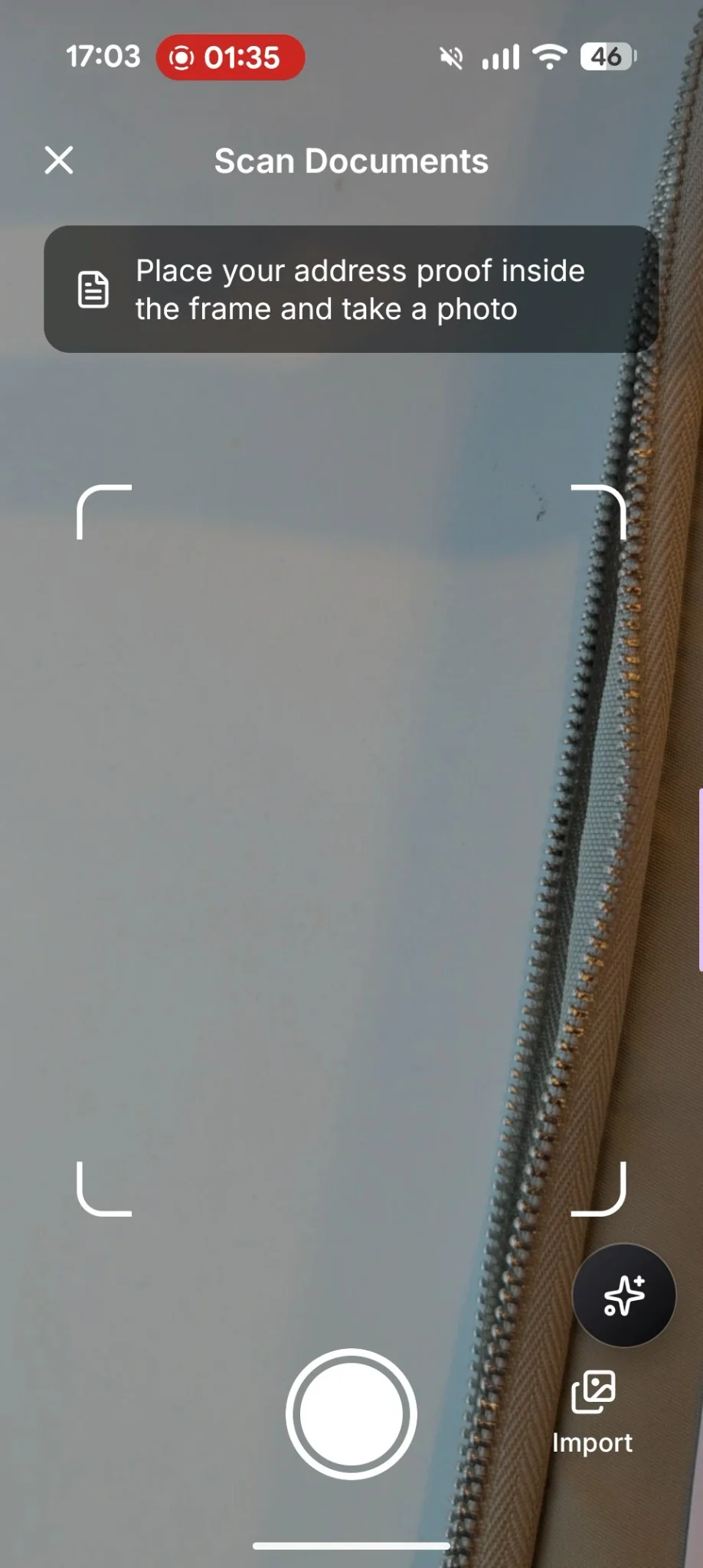
- Follow on-screen instructions to scan the address proof as per direction.
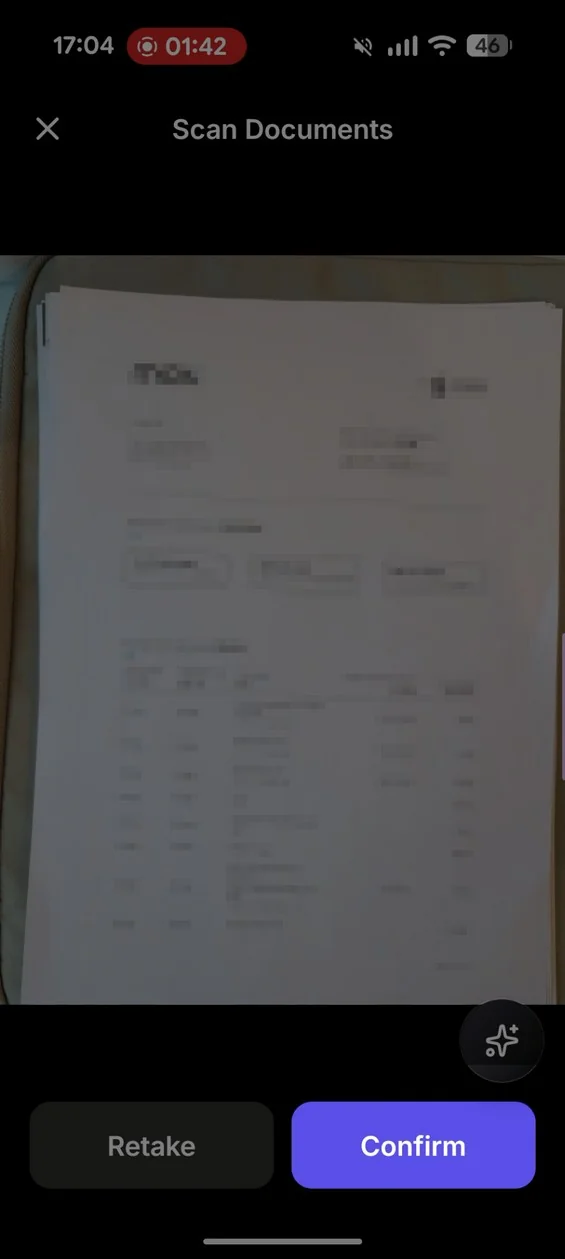
- Double check the document and click Confirm to continue, or Retake to return to the previous step.
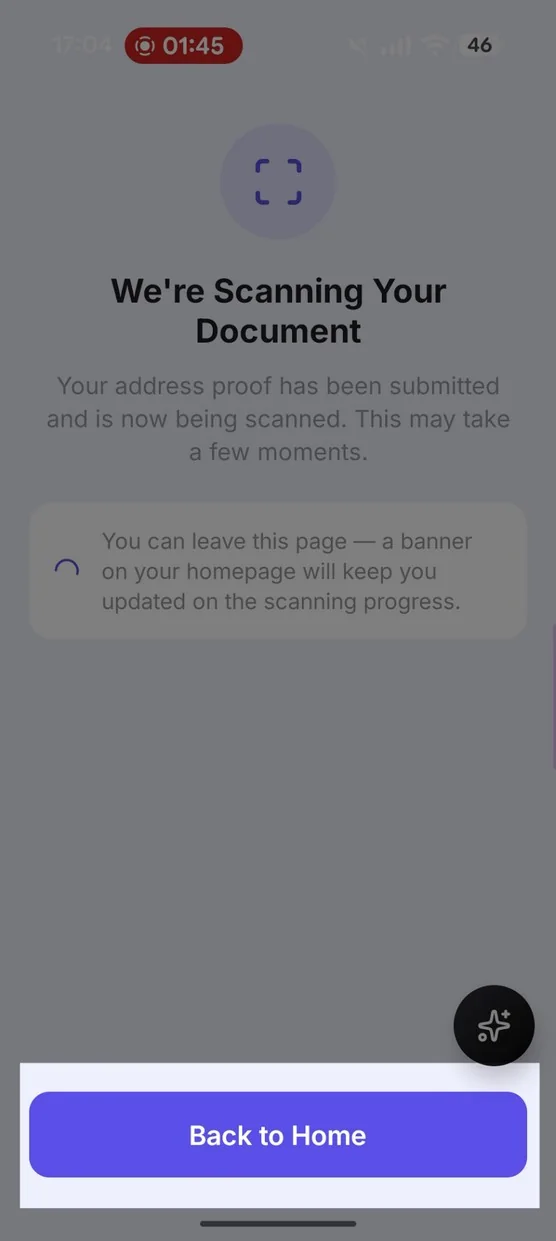
- Click Back to Home and return to main screen and wait 3-5 minutes for the result.
- Return to the module to view the result. When approved, you may see Your KYC Level Has Been Upgraded!
- If asked, Reupload or Try Again.