How to Activate the ECR Terminal Device?
- Open and log in to the Wonder App, and switch to the relevant business.
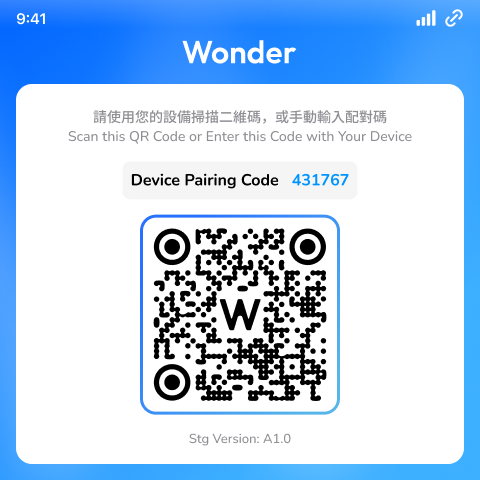
- Start the ECR terminal device, a QR code associated with the business will be presented on the device's screen.
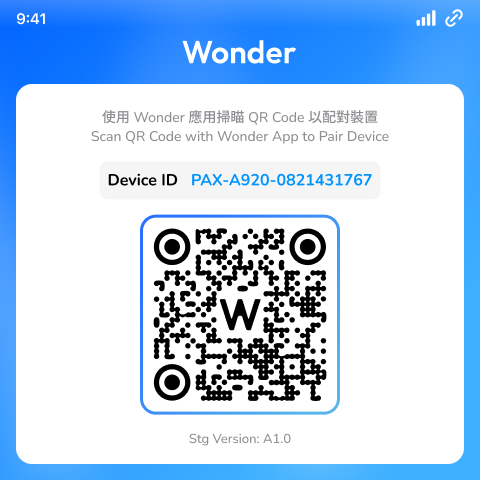
- Bind the ECR terminal device with the business using the Wonder App's barcode scanner.
- Once the binding is successful, the device application will automatically redirect you to the device pairing page.