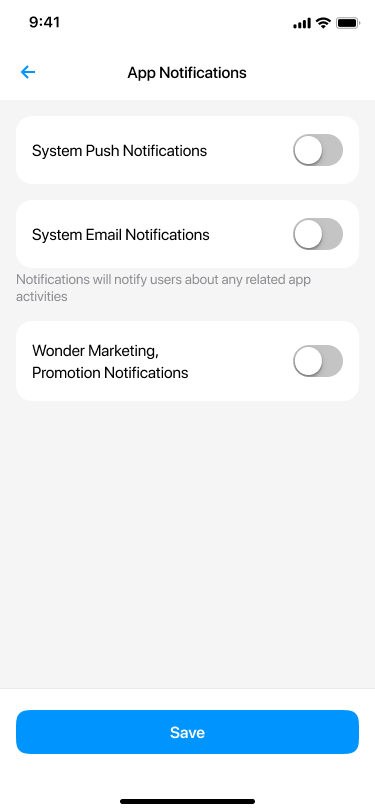
如何在 Wonder App 上啟用或停用推播通知
如何在 Wonder App 上開啟或關閉推播通知
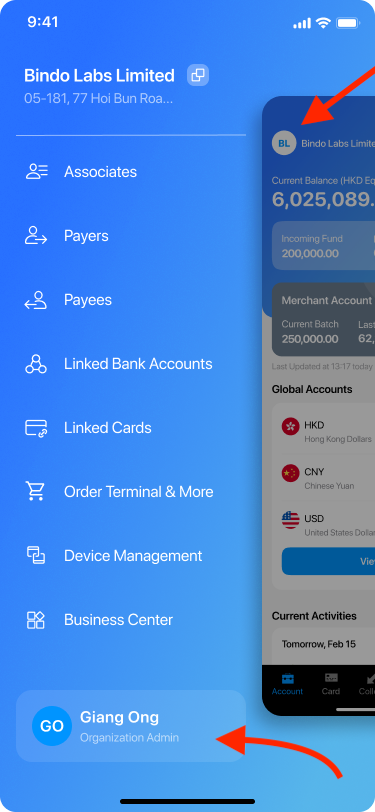
1- Go to Sidebar by clicking the icon on the Account page and click your account name.
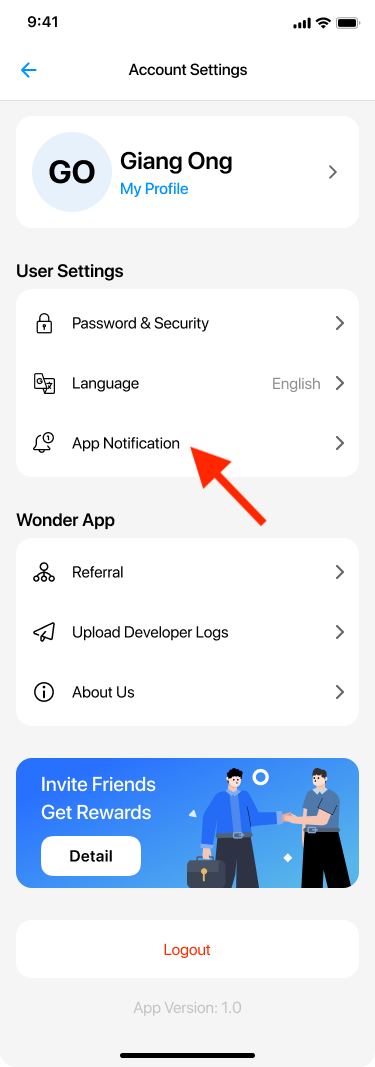
2- 前往「帳戶設定」頁面,然後點選「應用程式通知」。
3- 在「應用程式通知」區段中,您會看到兩個開關。這些開關呈藍色,表示推播通知目前已開啟,您可以接收來自我們應用程式的更新。
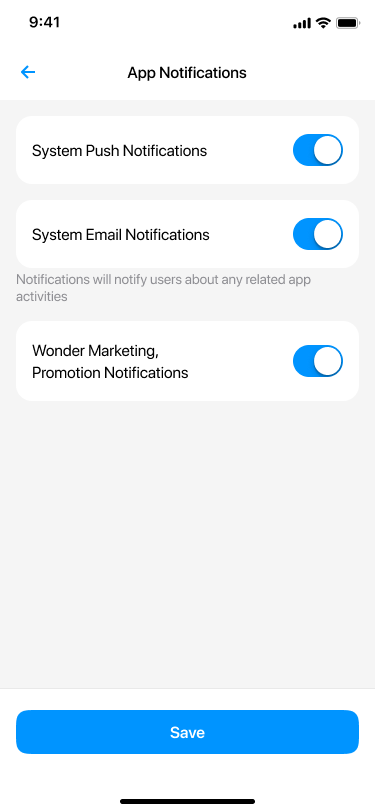
4 - 您也可以點擊按鈕使其變為灰色,然後點擊「儲存」。
!__wf_reserved_inherit.png)
5- 當開關變為灰色時,您將不再收到來自我們應用程式的推播通知。