付款作廢和退款
作廢付款
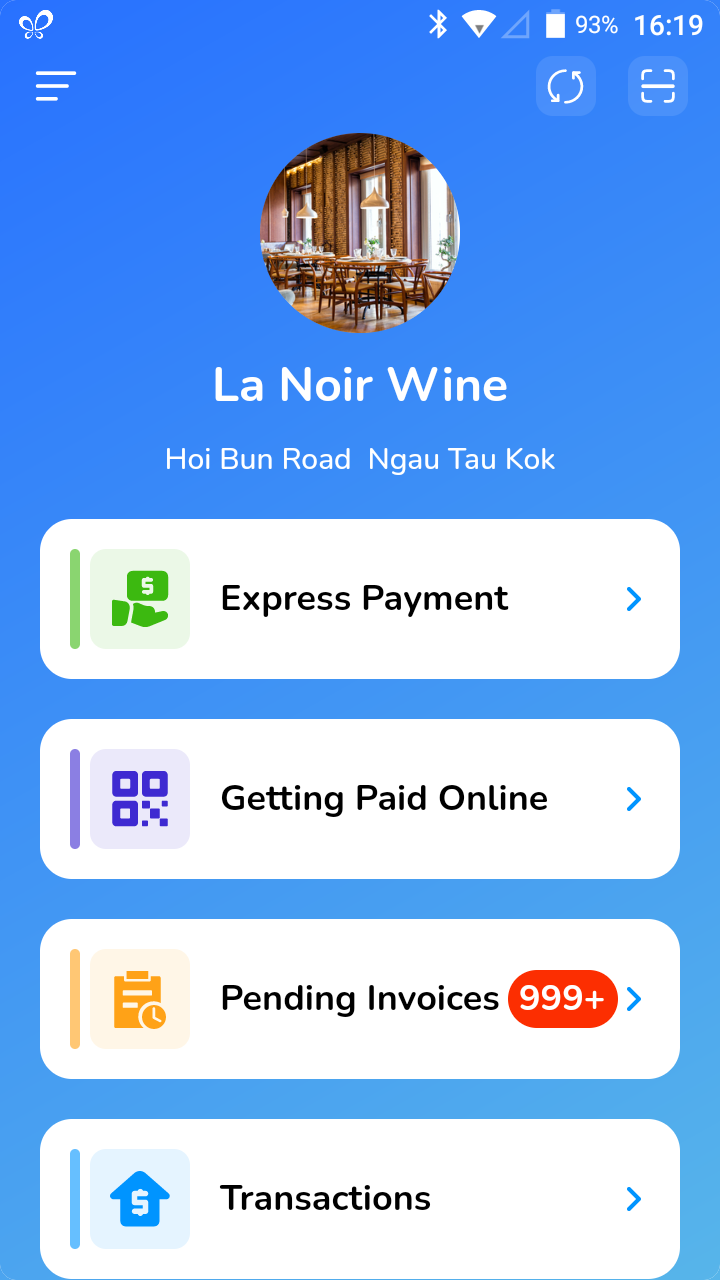
- Click on [Transactions].
- Select the payment you would like to void.
- Click on the […] located on the top right corner.
- Select [Void Payment].
- If password authentication is turned on, you will have to enter the system password.
- A confirmation will pop up, click [Confirm].
- The payment is voided.
退款
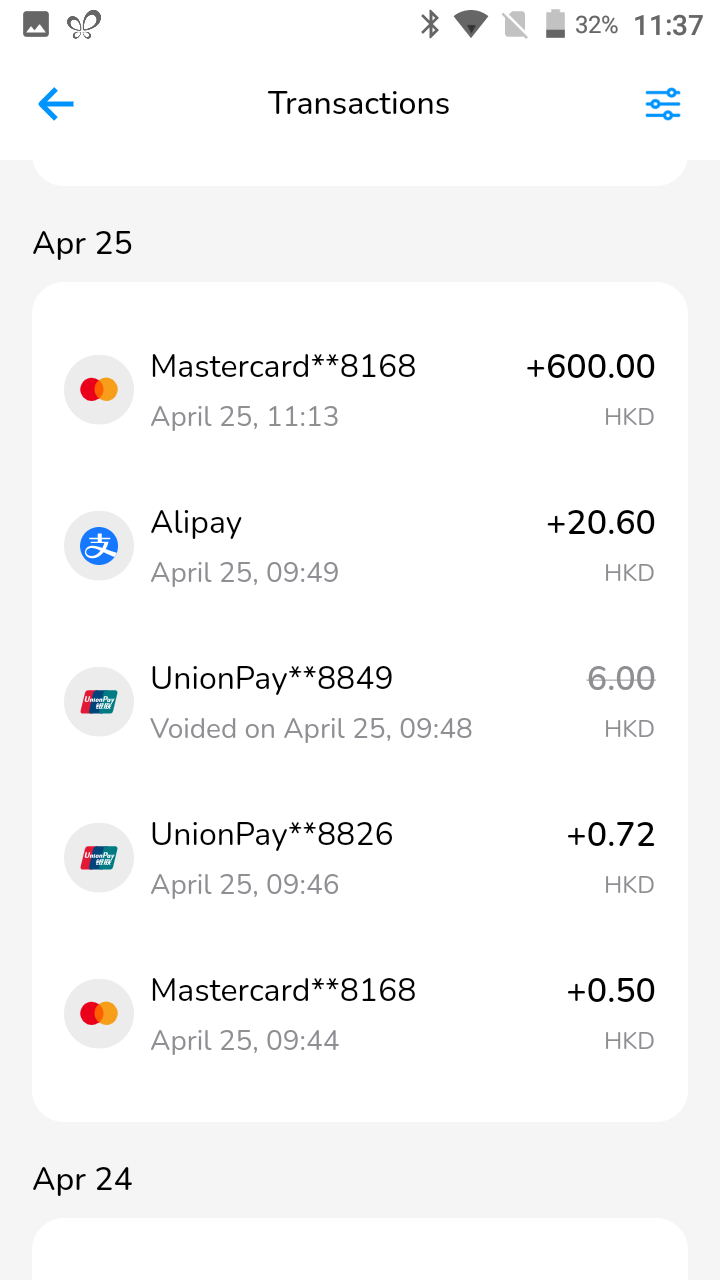
- Click on [Transactions].
- Select the payment you would like to refund.
- Click on the […] located on the top right corner.
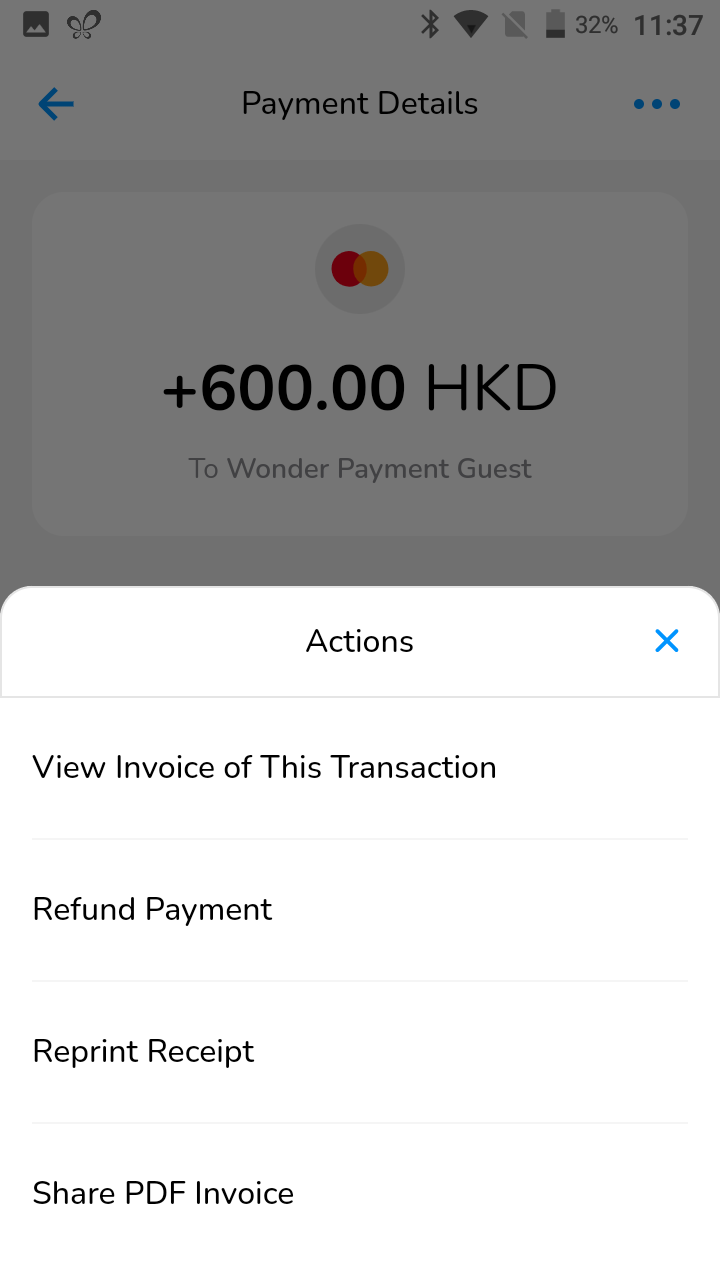
- Select [Refund Payment].
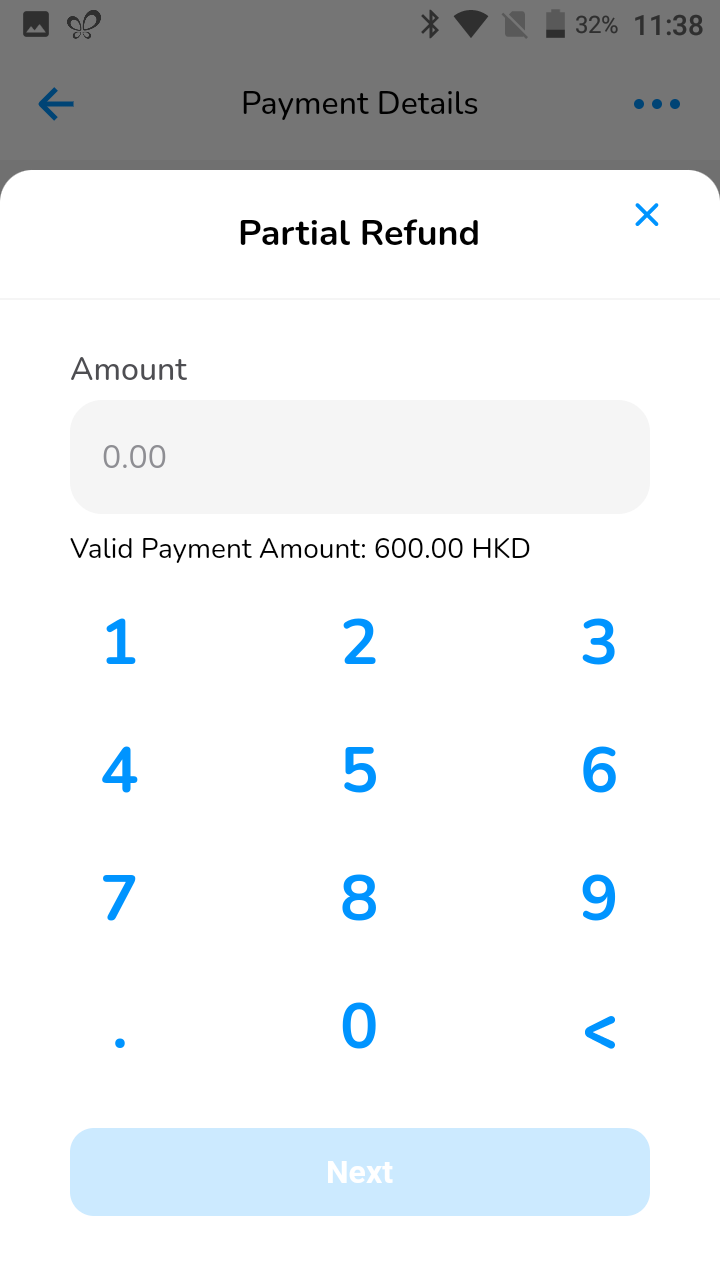
- You will have two options, either to fully refund the payment or partially refund the payment.
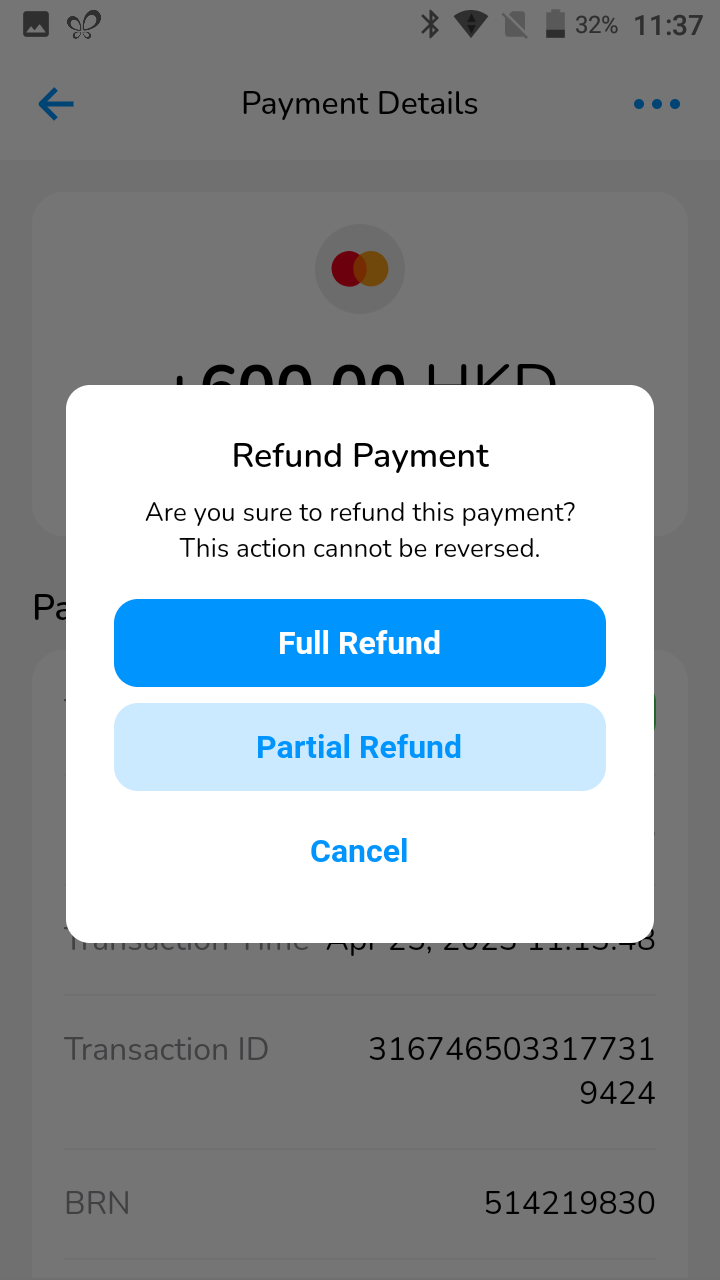
- If you click on full refund, your payment will be refunded successfully. If you choose to partial refund, you enter a refund amount. You will be able to choose partial refund till the payment is fully refunded.
- If password authentication is turned on, you will have to enter the system password.