
查閱及打印日報
日報
- Click on the side menu bar on the top left corner.
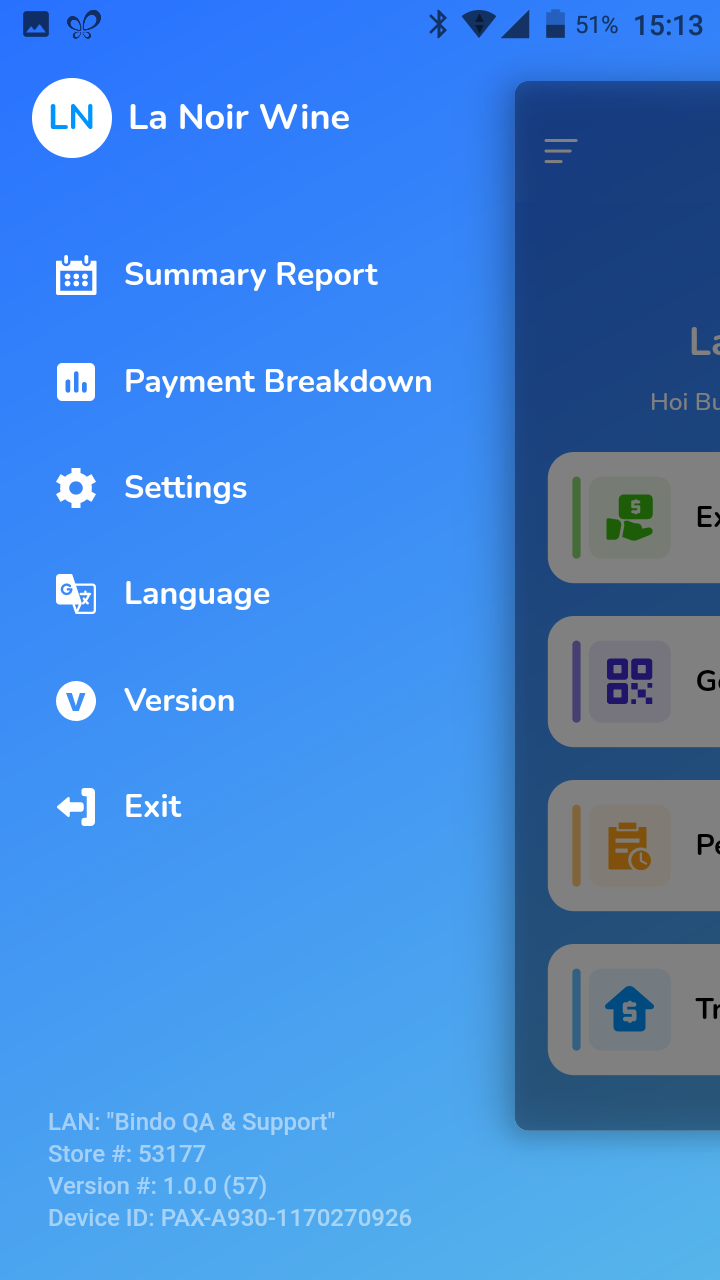
- Select [Summary Report].
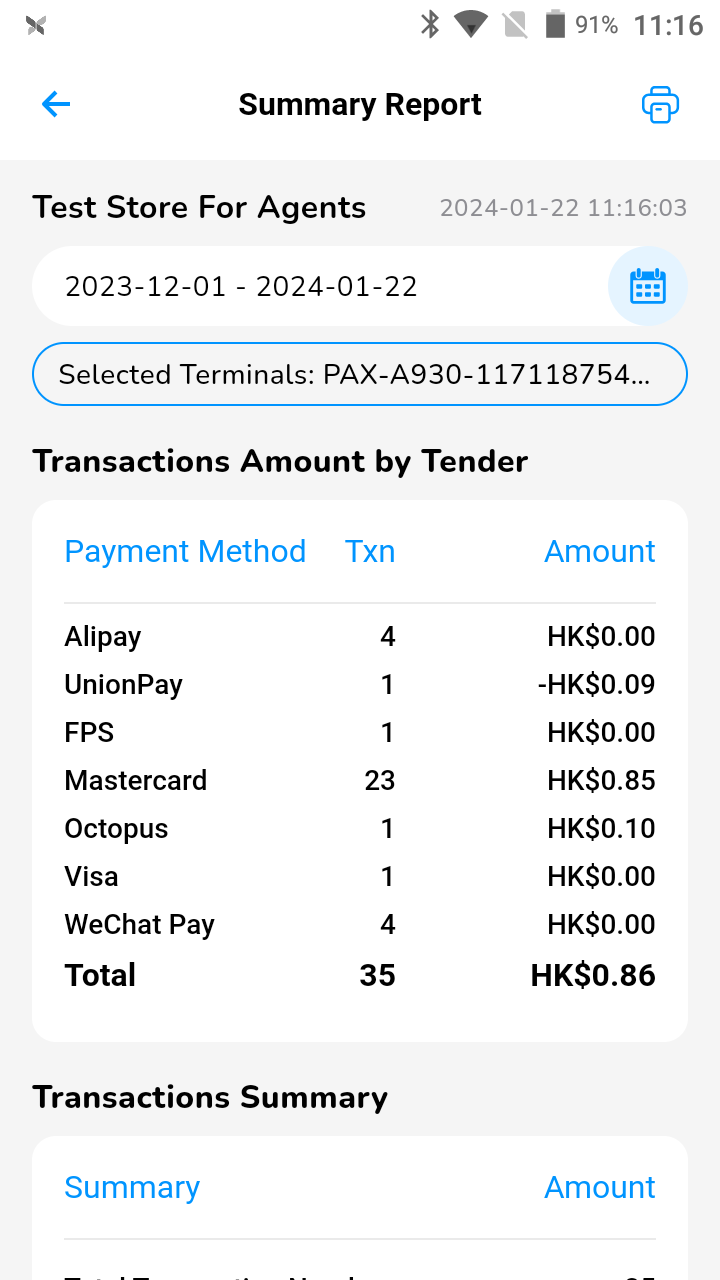
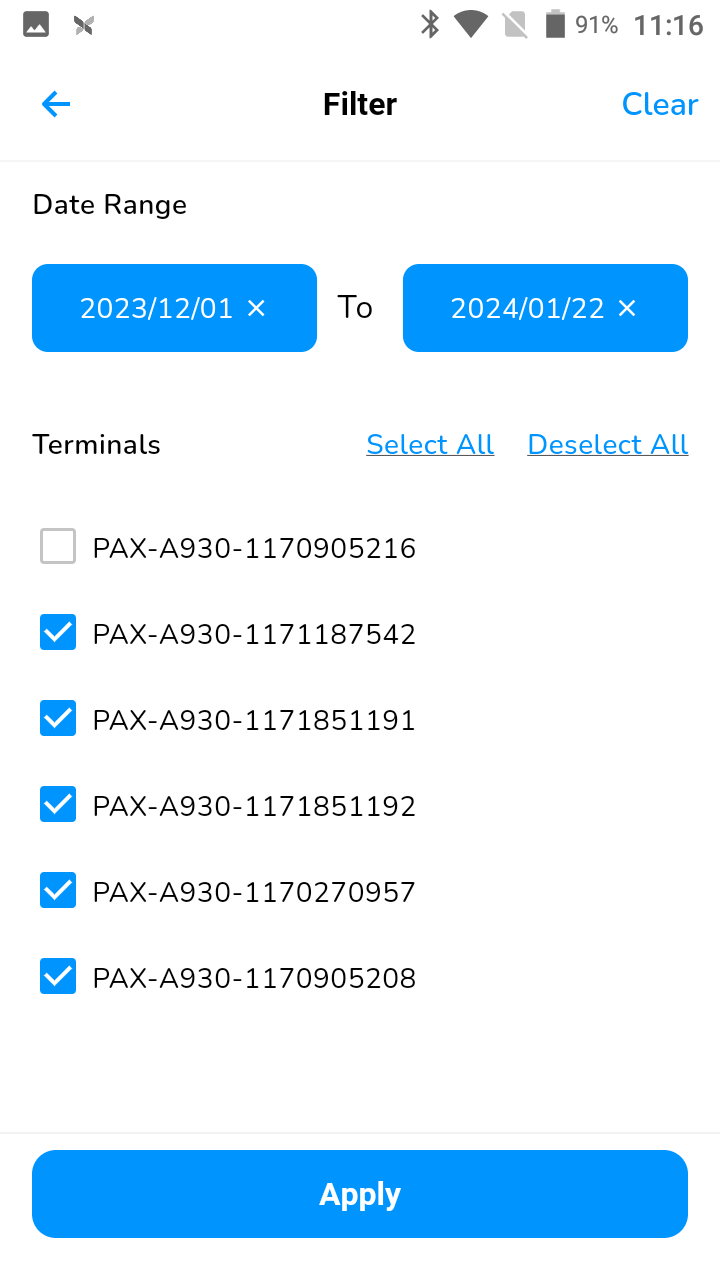
- Click on the [Calendar] icon to choose a specific date range. On this page you will also be able to filter by Terminal.
- View the report or click on the [Print] icon on the top right corner.
- The report will be printed based on the chosen date range.