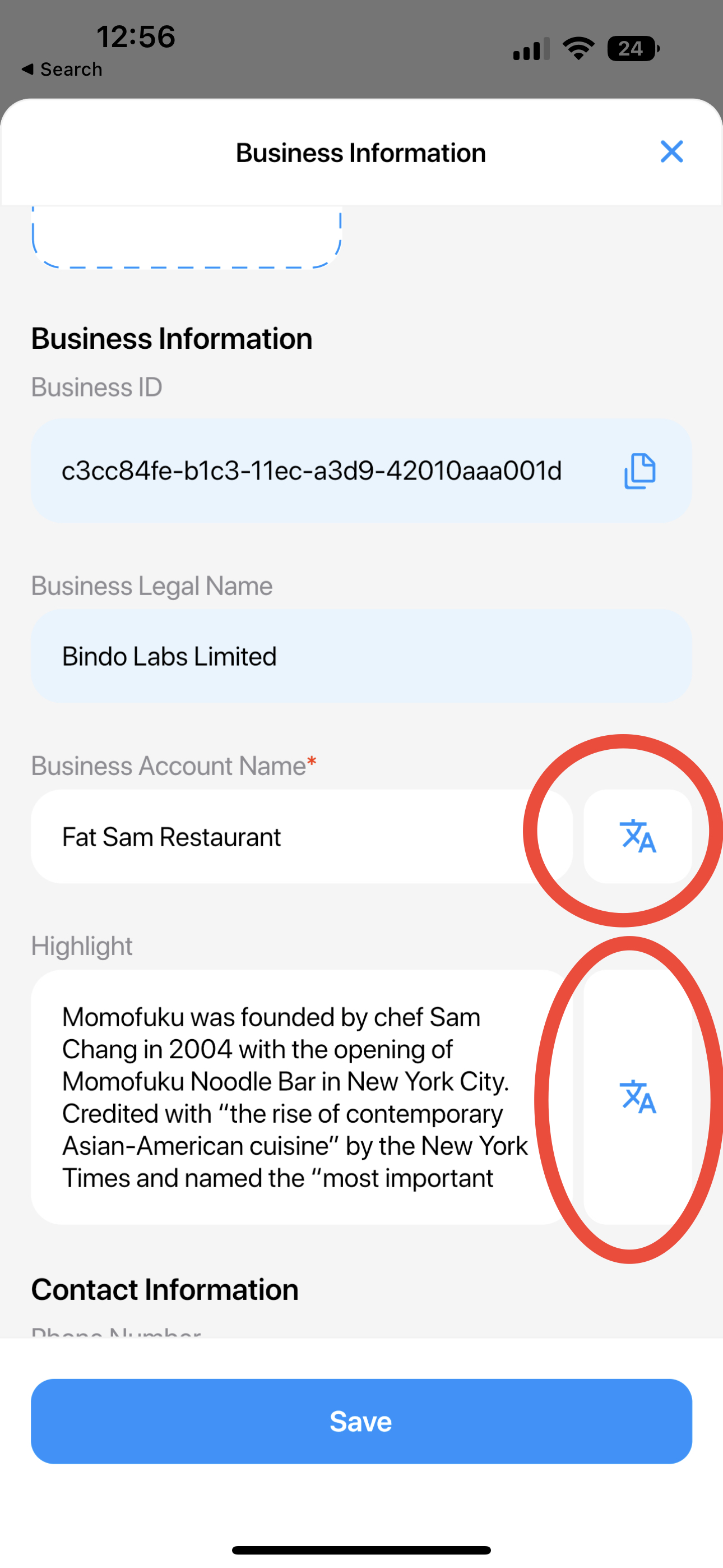
新增你的店鋪信息
進入店鋪信息頁面
- In order to view a business's information page, you will need to be in the business account first
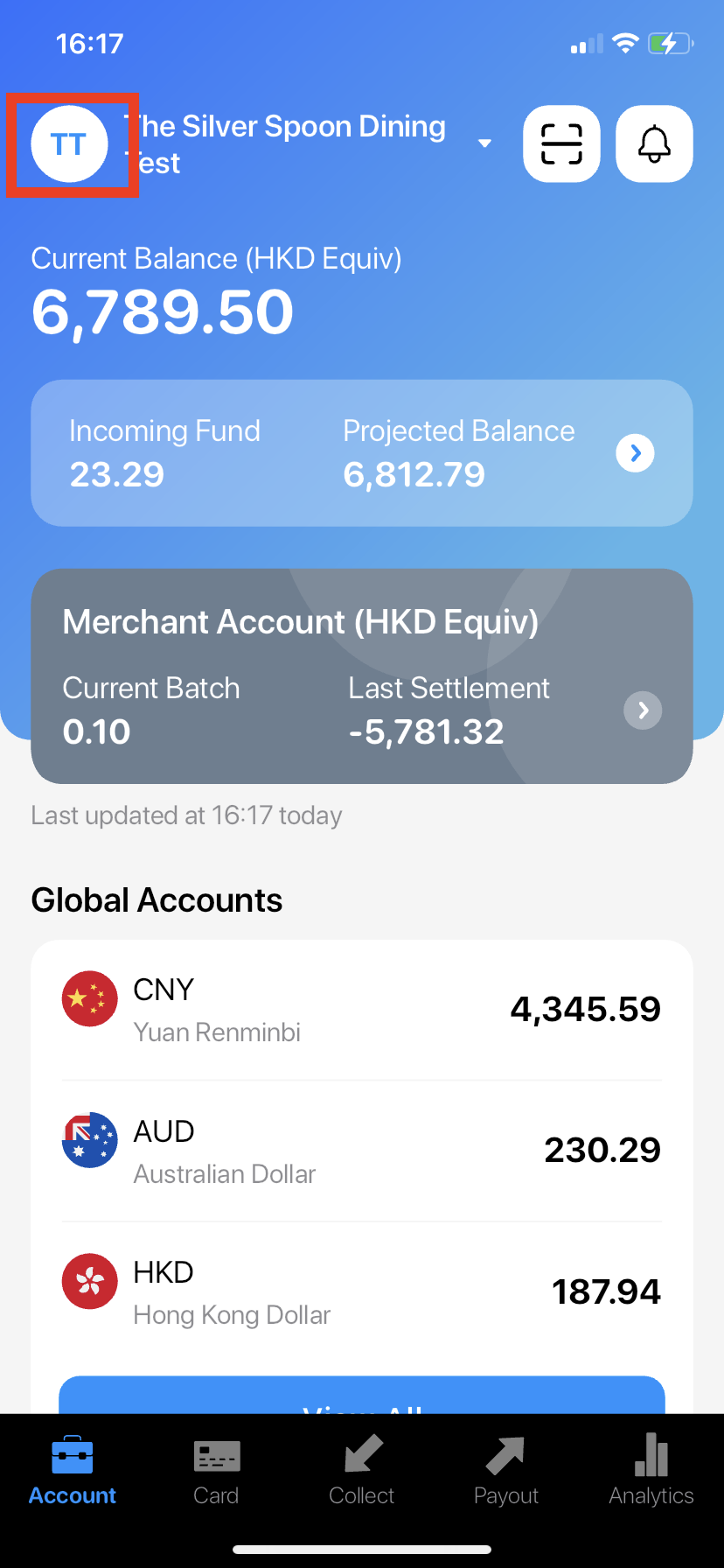
- Click on the round icon on the top left corner
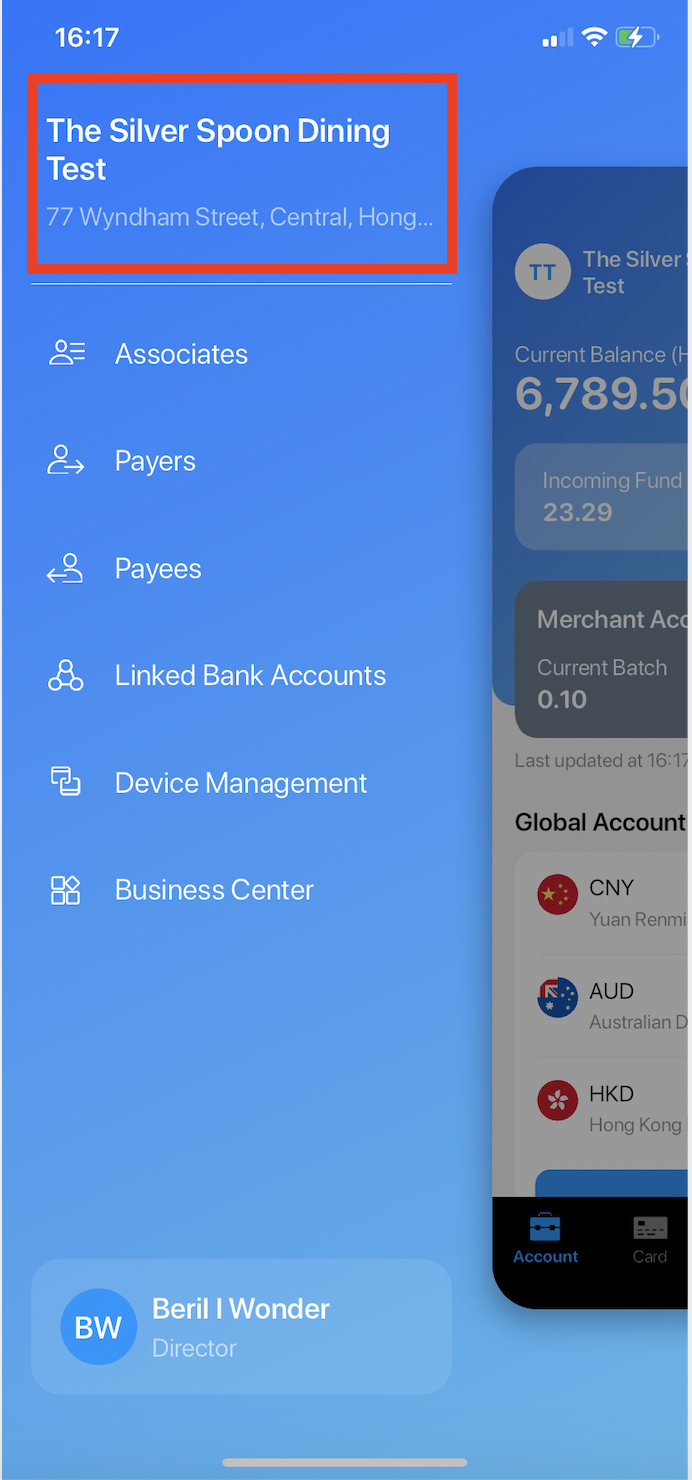
- Click here to view Business Information
新增你的店鋪信息
- Make sure you have edit permission to Business Information page (the permission will be based on your role, to check the permissions of each role click here)
- Click on the "Edit" button on the top right corner
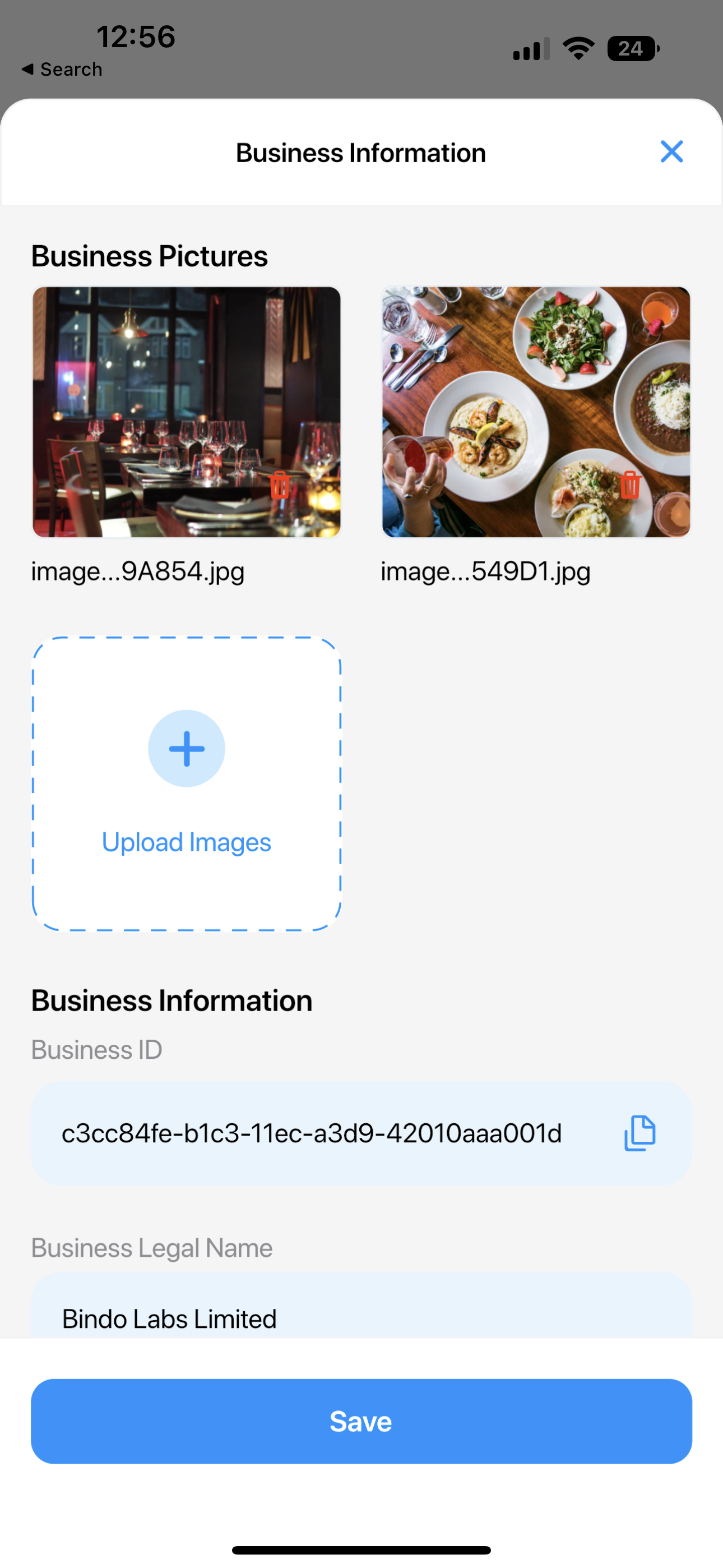
- Click "Save" button when you finish
多種語言的店鋪訊息
多種語言功能將允許您在同一欄位中輸入不同語言的內容。您可能需要多語言內容的原因是發票連結或 Paystation 連結等功能,一旦您的客戶查看不同語言的連結(提供英語、粵語和普通話),多語言內容就會也以該特定語言顯示。
可用的多語言欄位有:
- 商業帳戶名稱
- 擇要
- 位址 1
- 位址 2
- 城市
要編輯多語言字段,只需點擊字段右側的圖標,就會出現多語言彈出視窗供您輸入。點擊“儲存”儲存您的編輯。