
通過Wonder Dashboard由付款人發起保存支付卡
如何產生與分享消費者錢包管理連結
- Go to your Store in Wonder Dashboard and select "Payers" under "Payment Acceptance".

- Select the payer from the list view, and click "Update Payment Method" from the top-right.
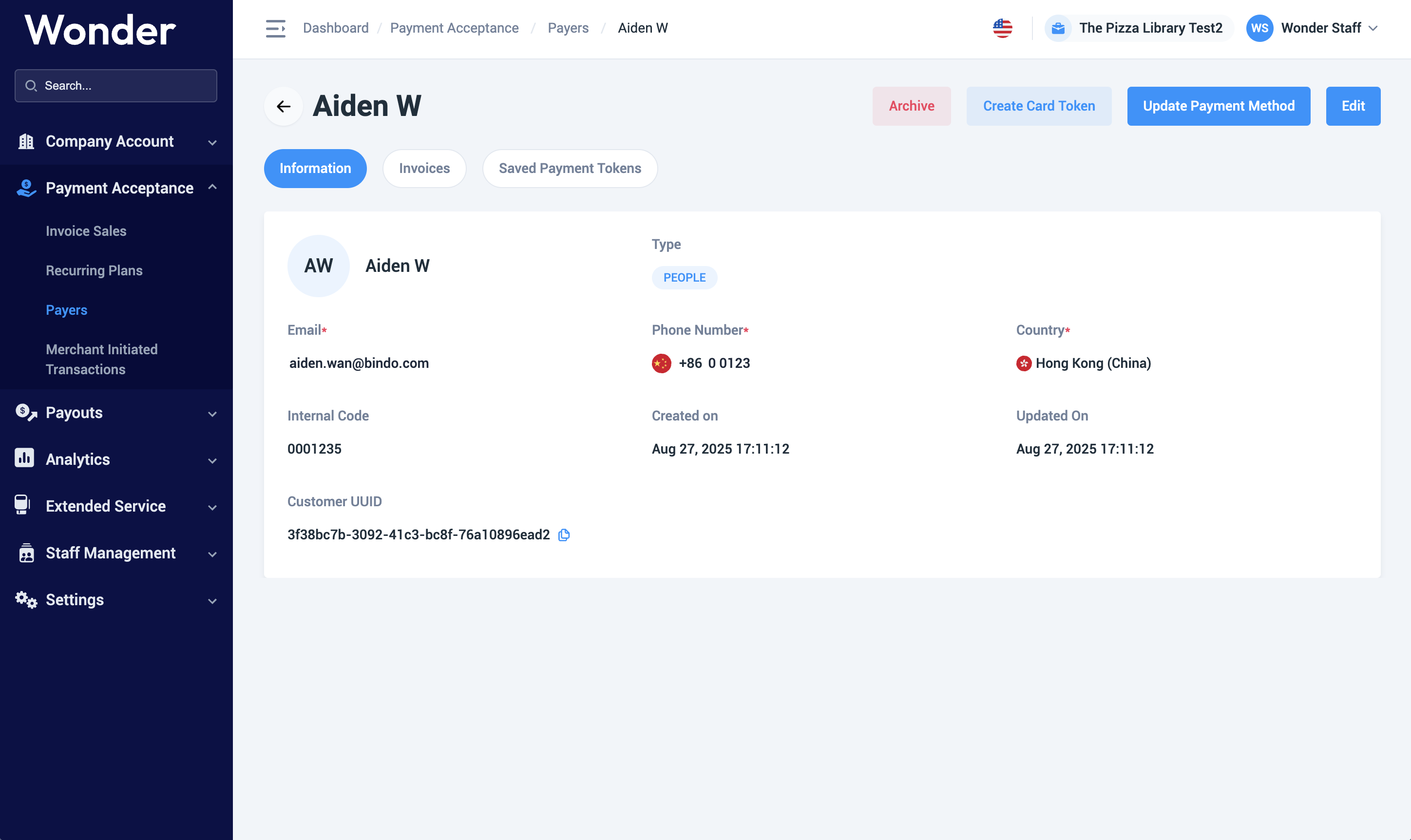
- From the generated pop-up, copy the link or QR code and return to your payer.
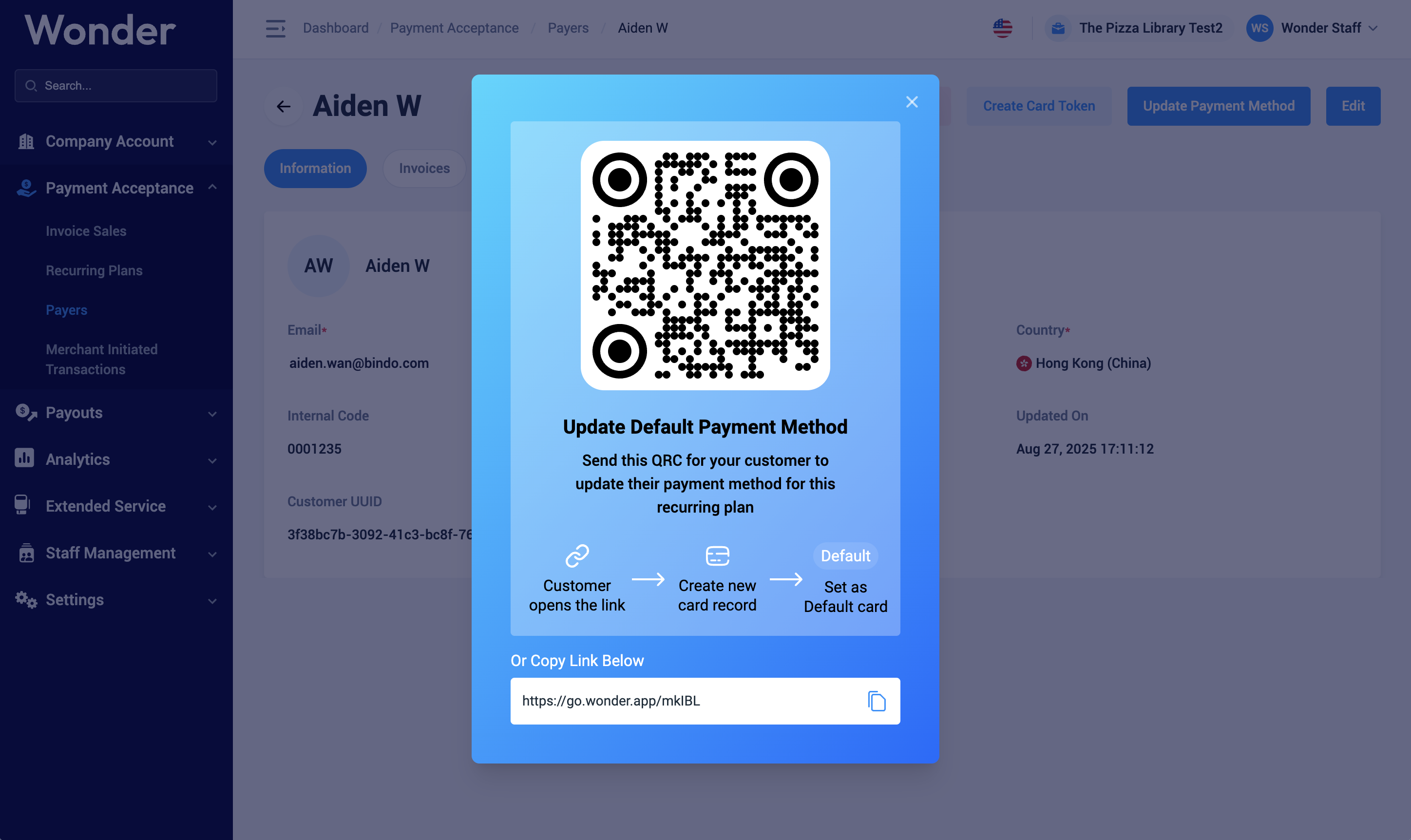
- You will be able to see the updated tokens' details under the "Saved Payment Tokens" tab afterwards, or using Wonder CRM APIs
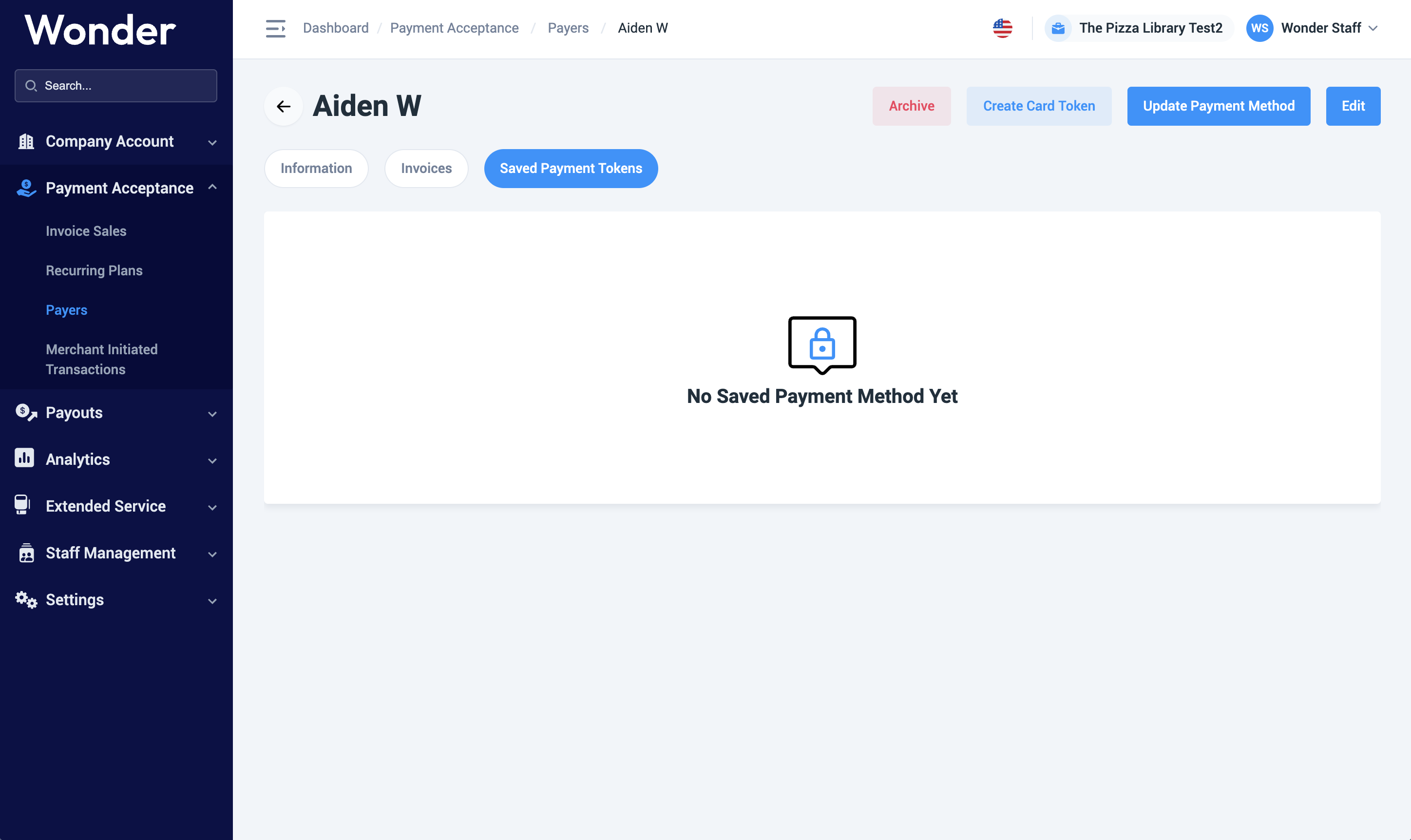
消費者如何管理保存卡片
- From the issued link, open with desktop or mobile device.
- To add a new card, click "Link".
- Input card number, expiry date, CVV, and cardholder's first & last name, use can choose to save the current card as the default payment card.

- A HK$1.00 will be authorized to completed the card authentication and binding, click "Confirm" to proceed.
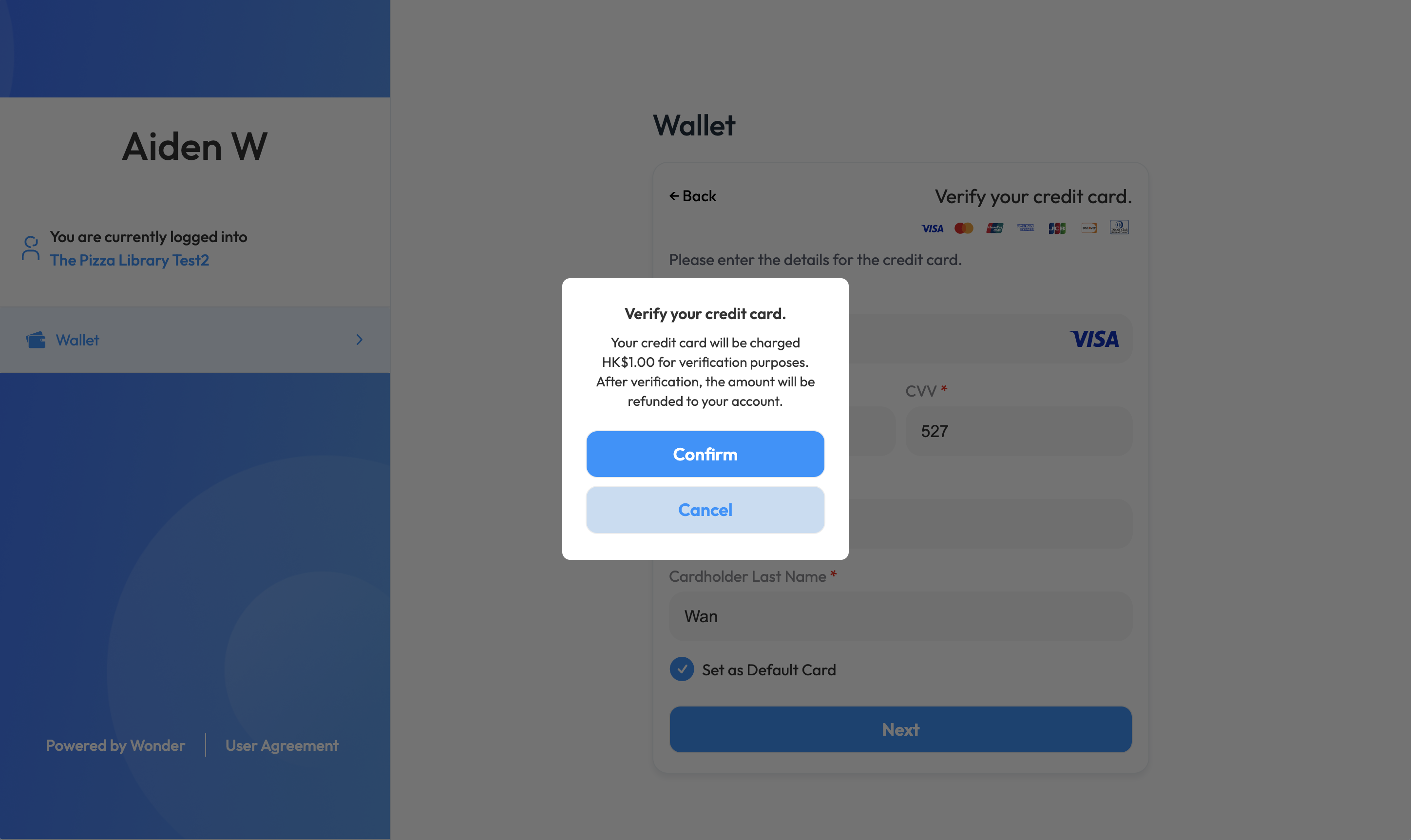
- User will be directed to the issuer 3DS authentication page to completed the card authorization.
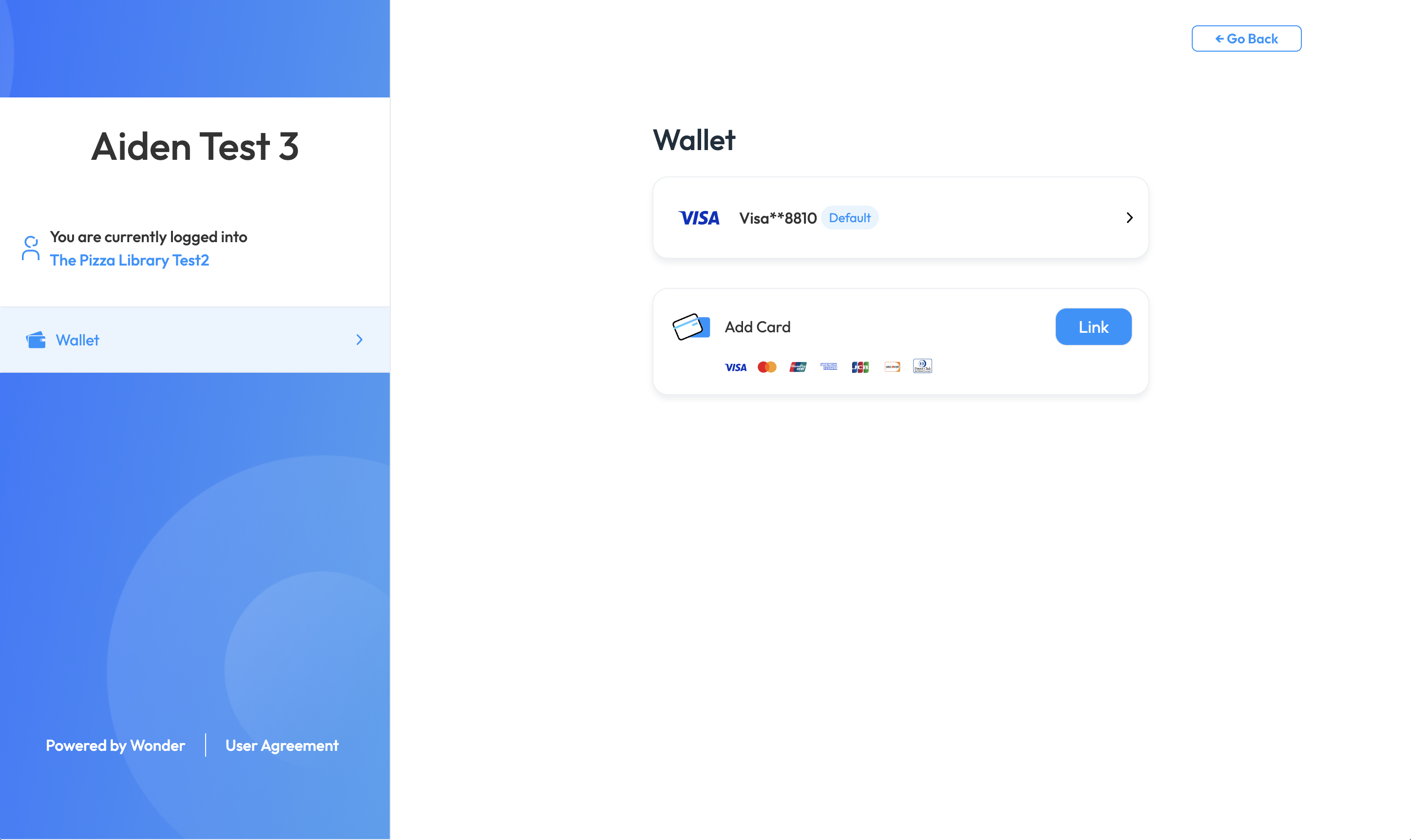
- User will be able to see the successful linked card after completing 3DS authentication process.
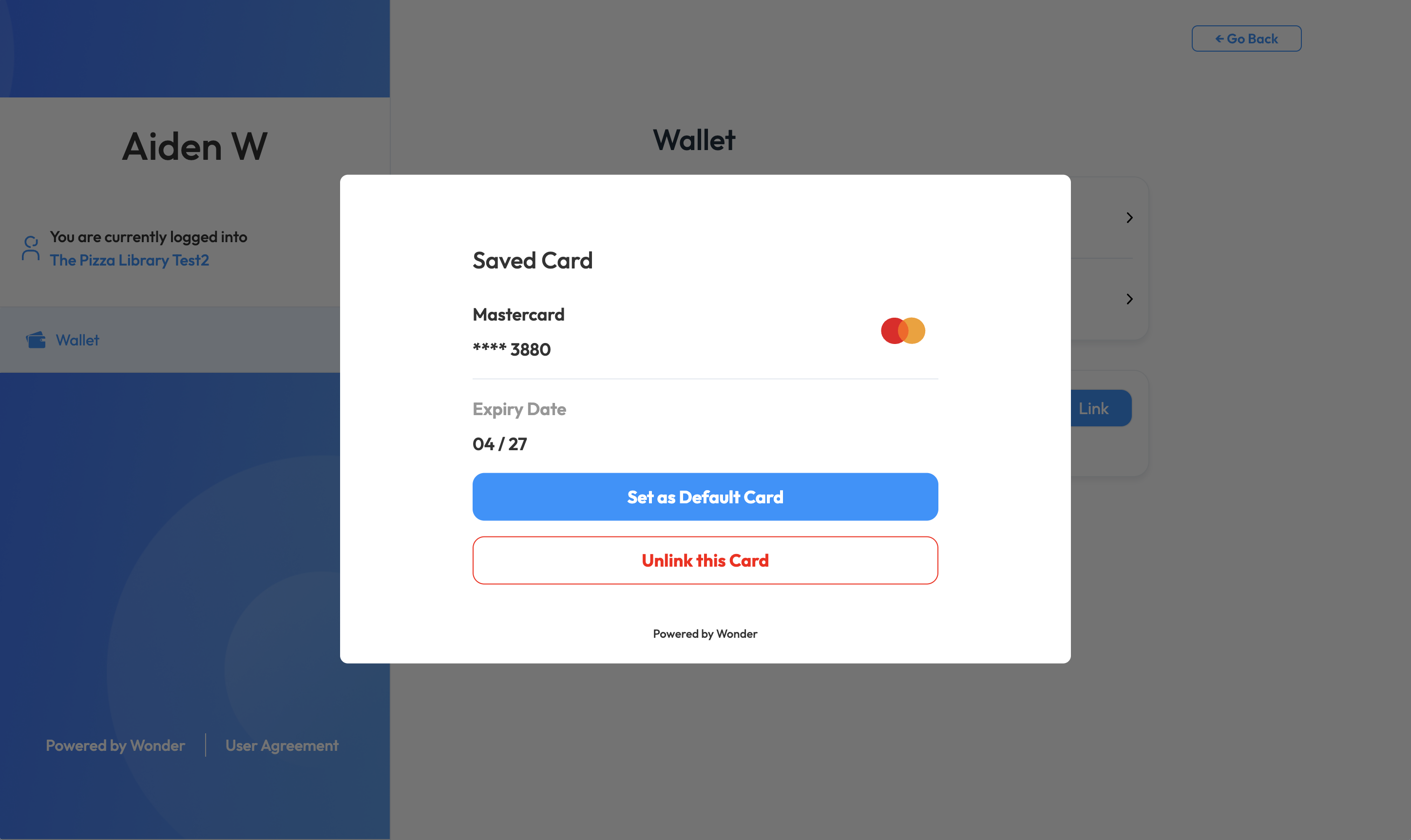
- By selecting a saved card, you are able to change it to the default payment card, or to unbind it.