利用在線發票二維碼收款
在線發票需要您的企業啟用 Wonder 線上支付閘道。如果您的帳戶尚未啟用在線支付閘道,請聯繫 support@wonder.app 了解啟動操作。
創建發票
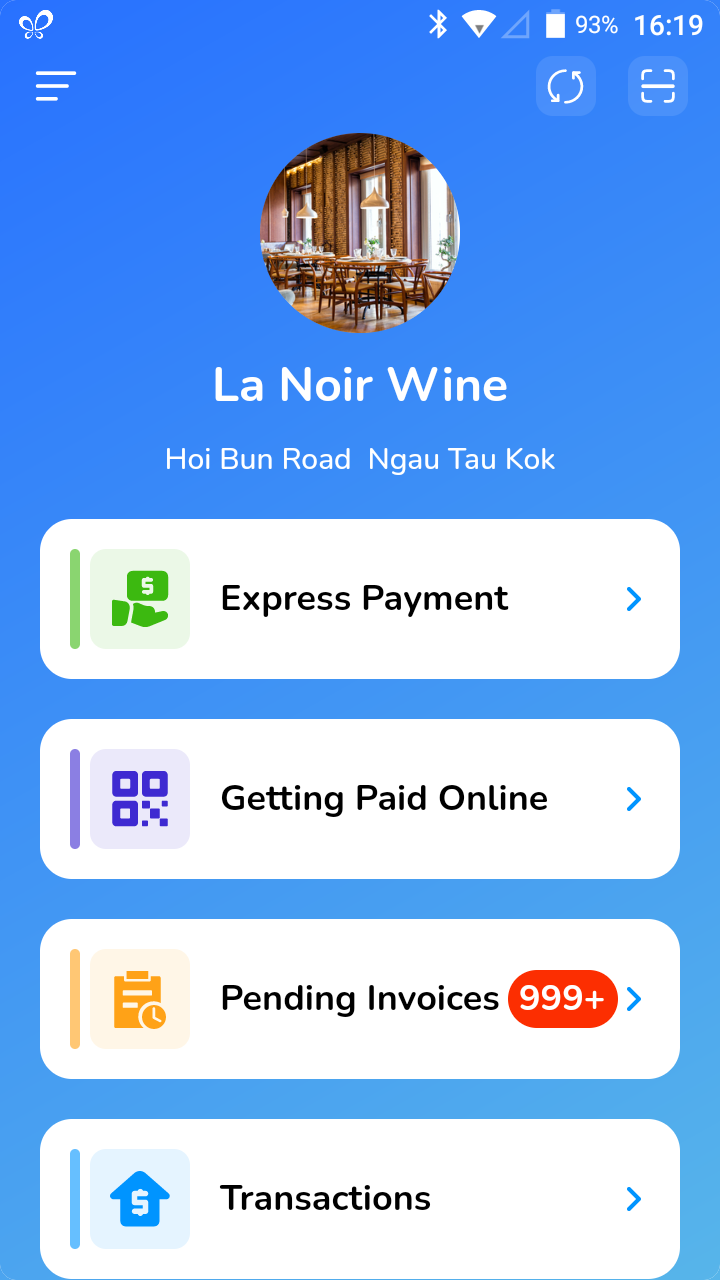
a. Click on the menu bar at the top right corner b. Click on [Settings]. c. Enter the default system password, the password can be found in the Welcome email, sent to your business admin. d. Click on [Payment], and turn on “Enable Online Invoice Link” setting. e. Go back to homepage, and you should see [Getting Paid Online] there.
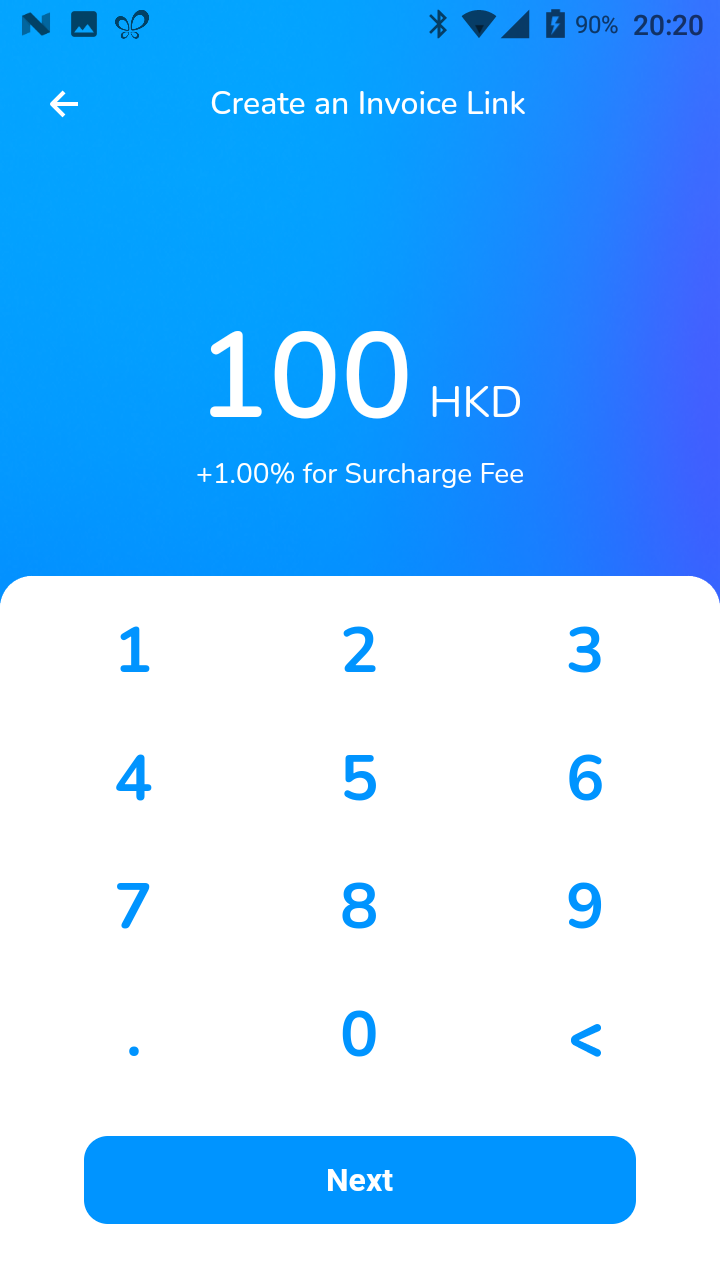
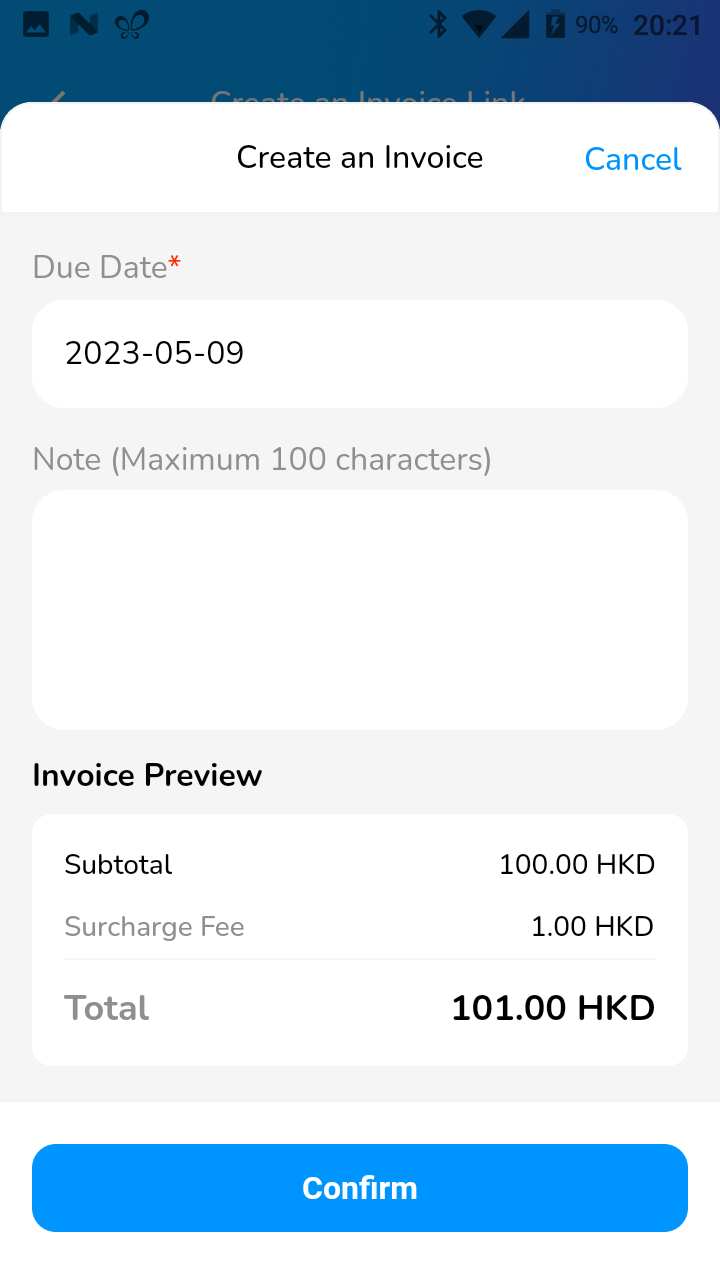
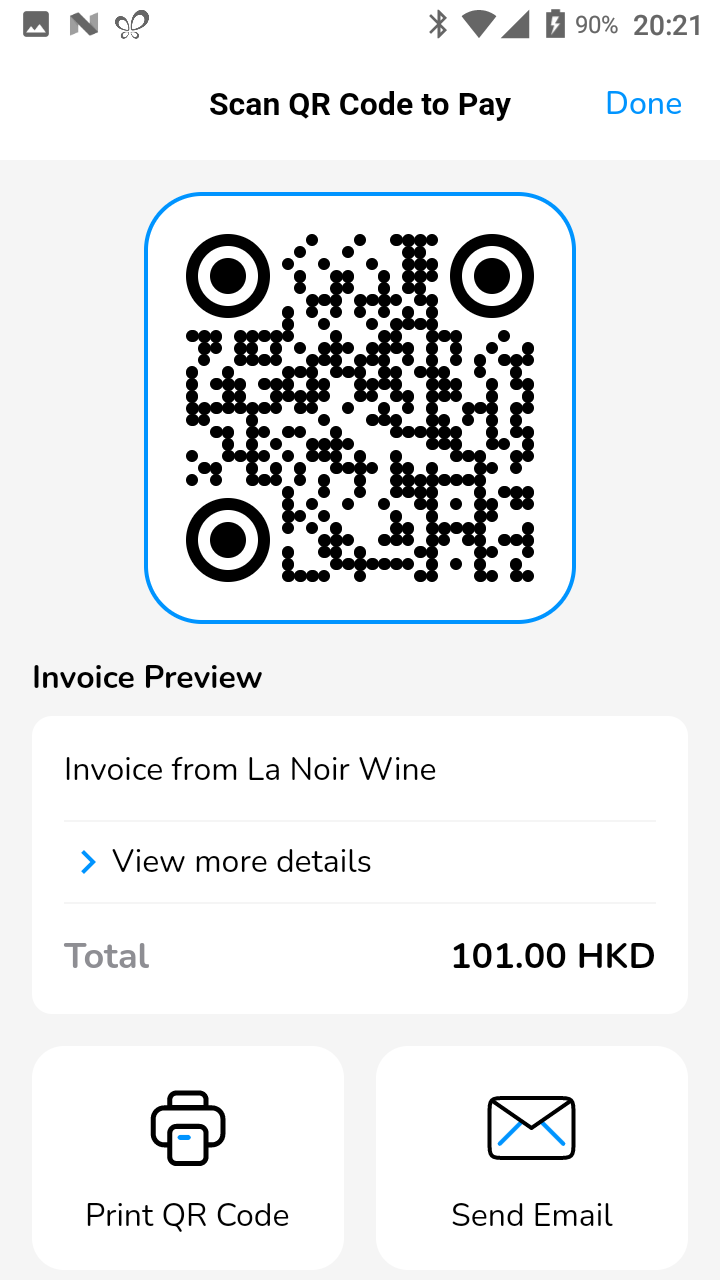
發票創建完成後,您可以在【待處理訂單】中查看發票。要重新列印二維碼,請選擇指定訂單以顯示「帳單詳情」頁面,然後按一下「付款連結」部分中的列印圖示。