如何透過Wonder App的虛擬終端機接受計程車司機付款
如何透過Wonder App的虛擬終端機接受計程車司機付款
- As a Hong Kong taxi driver, you need to use the Wonder App to scan the taxi meter. To activate the Virtual Terminal on Payment Acceptance, you must log in to the M1OS taxi meter successfully in prior.
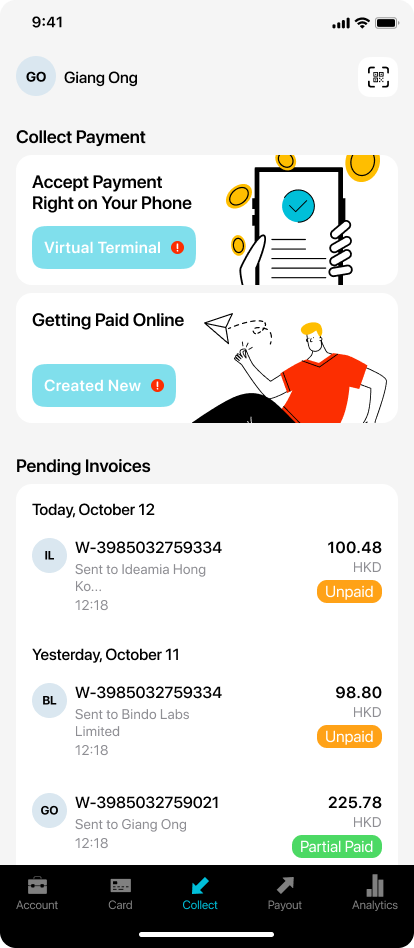
- Once you successfully login with the M1OS taxi meter, coming back to Wonder app, you will beable to see the "Virtual Terminal" button is enabled.
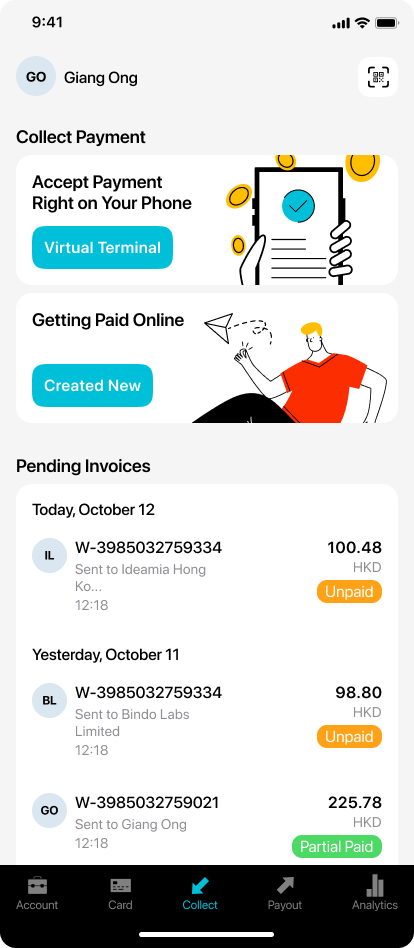
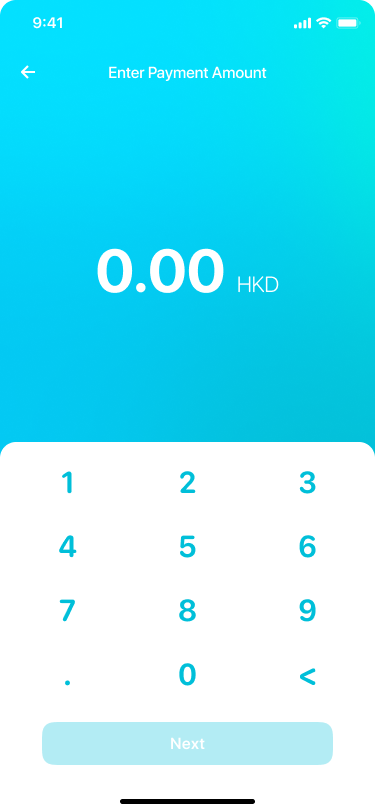
- Click the button and enter payment amount.
- Go to the Choose Payment Method page. Select one of the supported payment methods on this page to finalize the payment.
.png)
- To check on your transaction details, simply go to [Latest Transactions] in [Collect] module to view.