在Wonder程序上註冊您的企業
How to Onboard your business
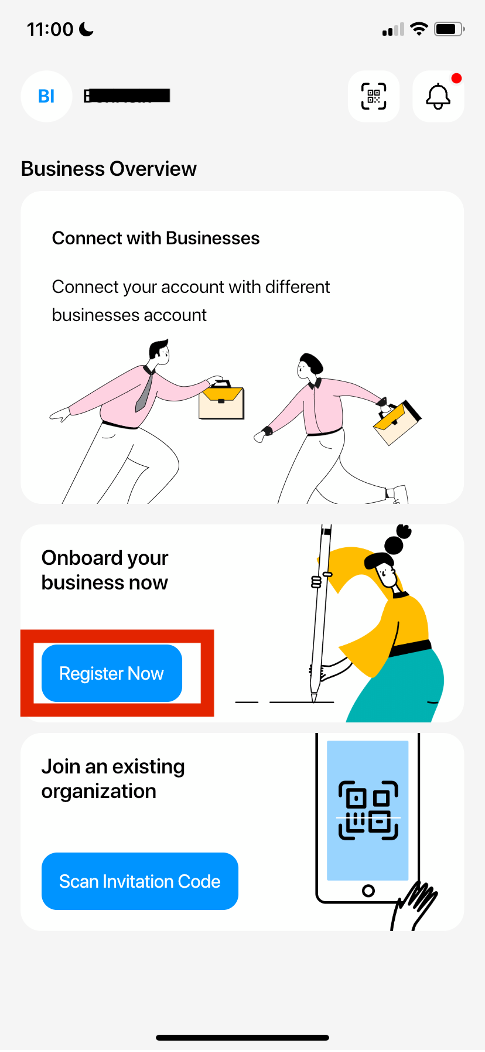
- In the home page, click “Register Now’”
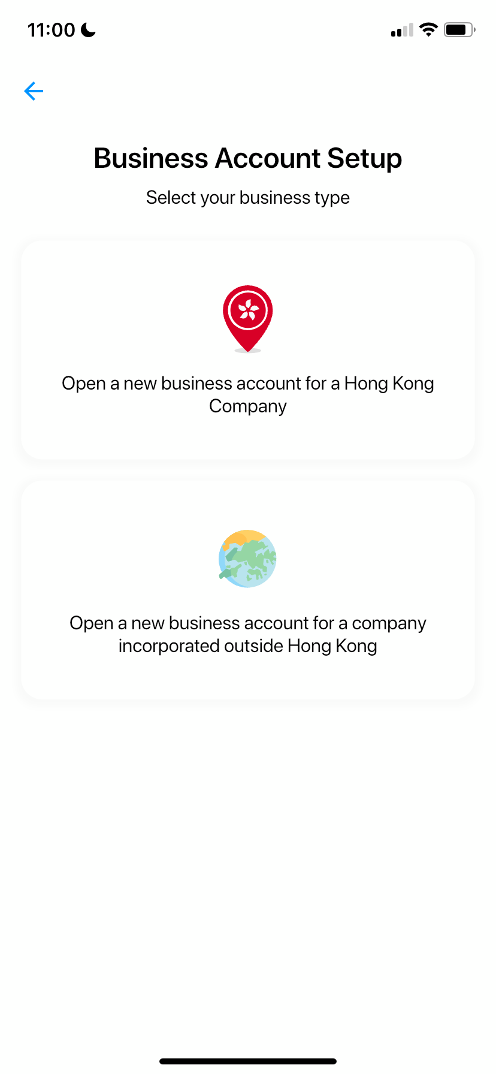
- Select your business type according to your business registration region,
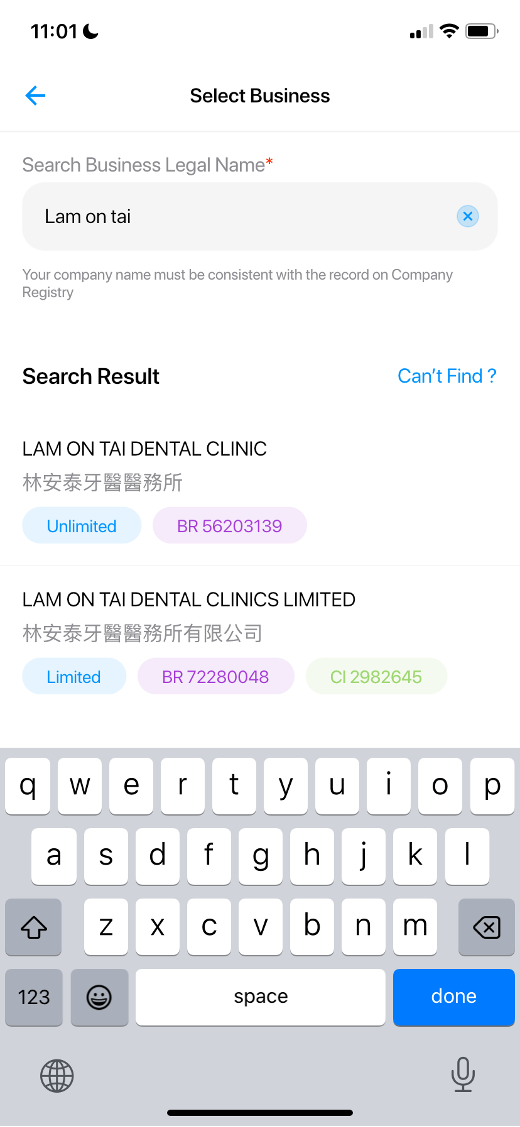
- Search and select your business name (BR name)
- Your company details will be shown on the screen, confirm and select “Onboard this Business”
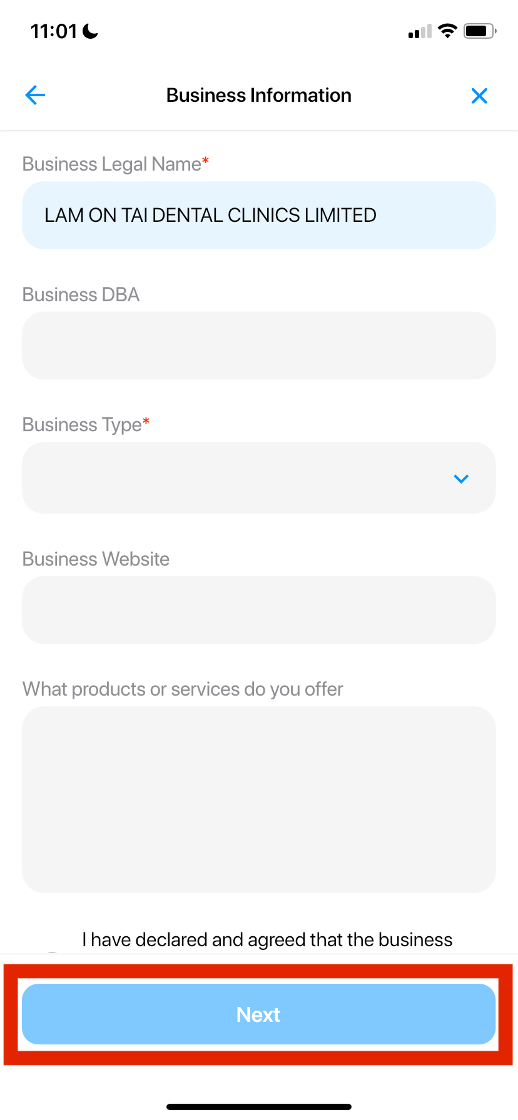
- Fill out additional information below and click “Next”
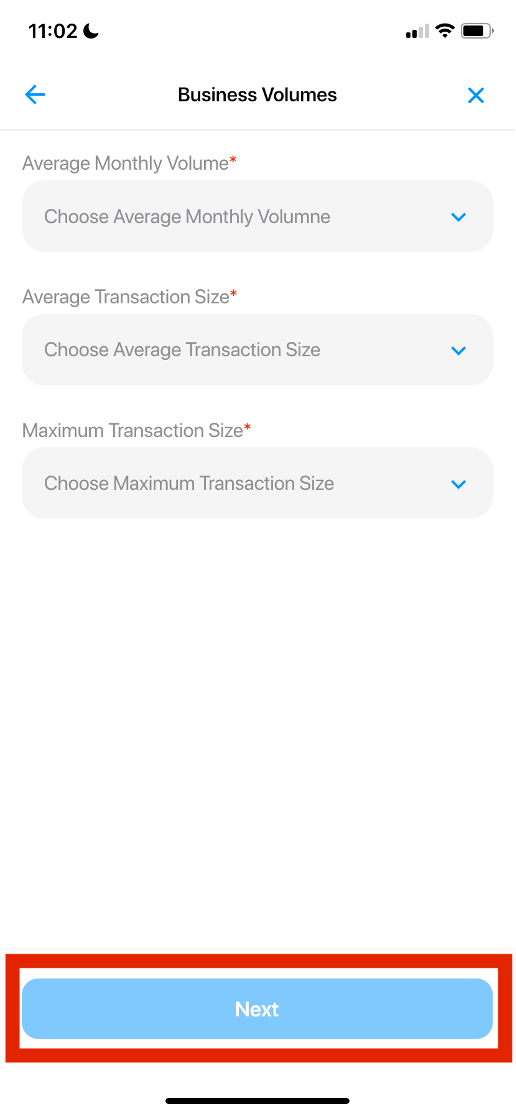
- Fill out the Business Volumes and click “ Next”
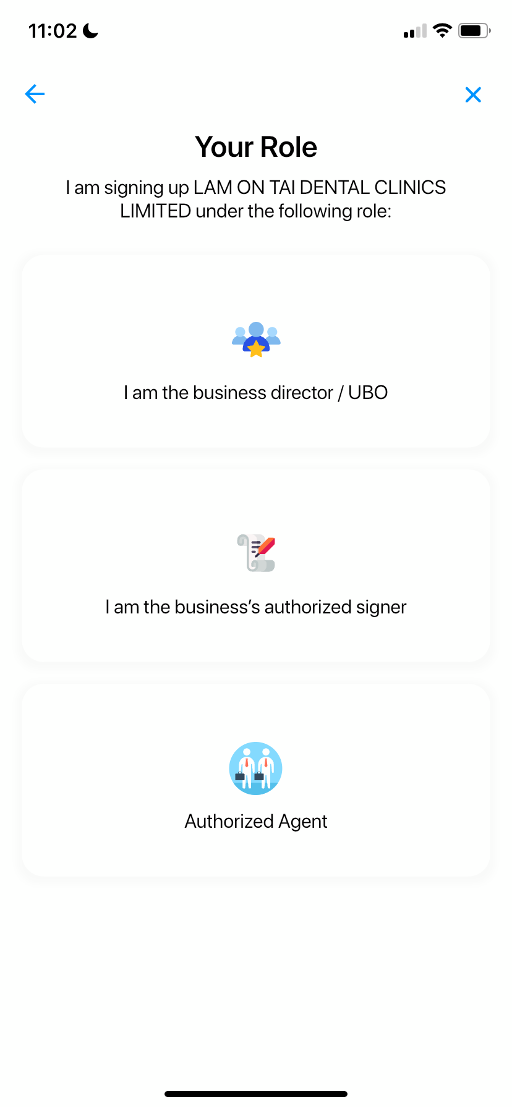
- Select your role in the Business
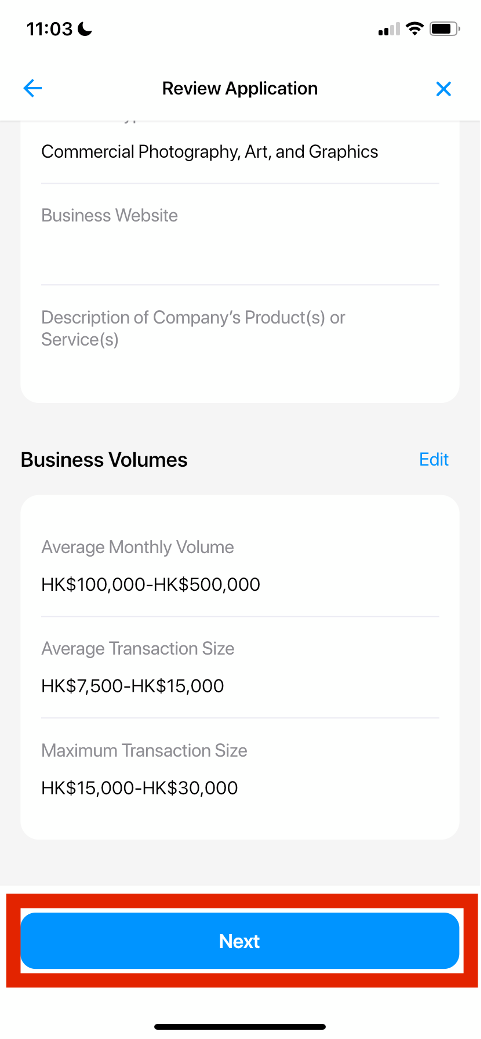
- Review your application and confirm
- You will see Wonder Merchant Service Agreement; scroll down to sign
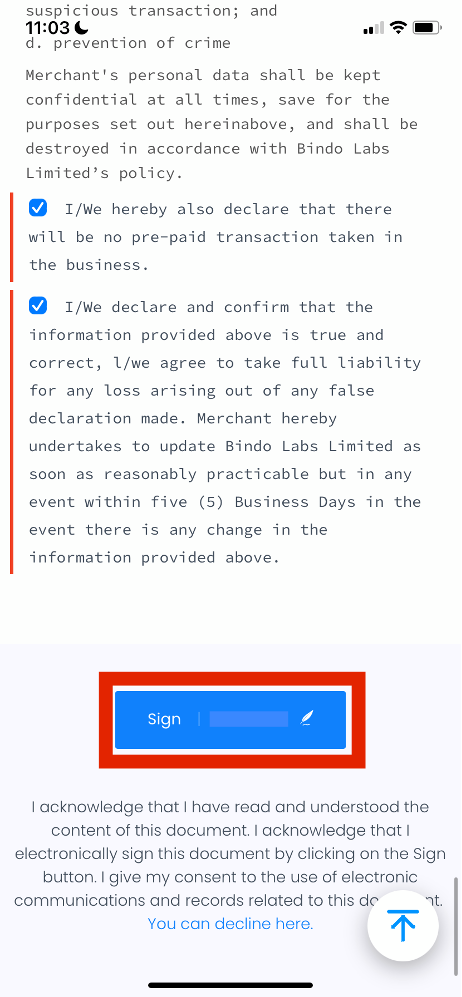
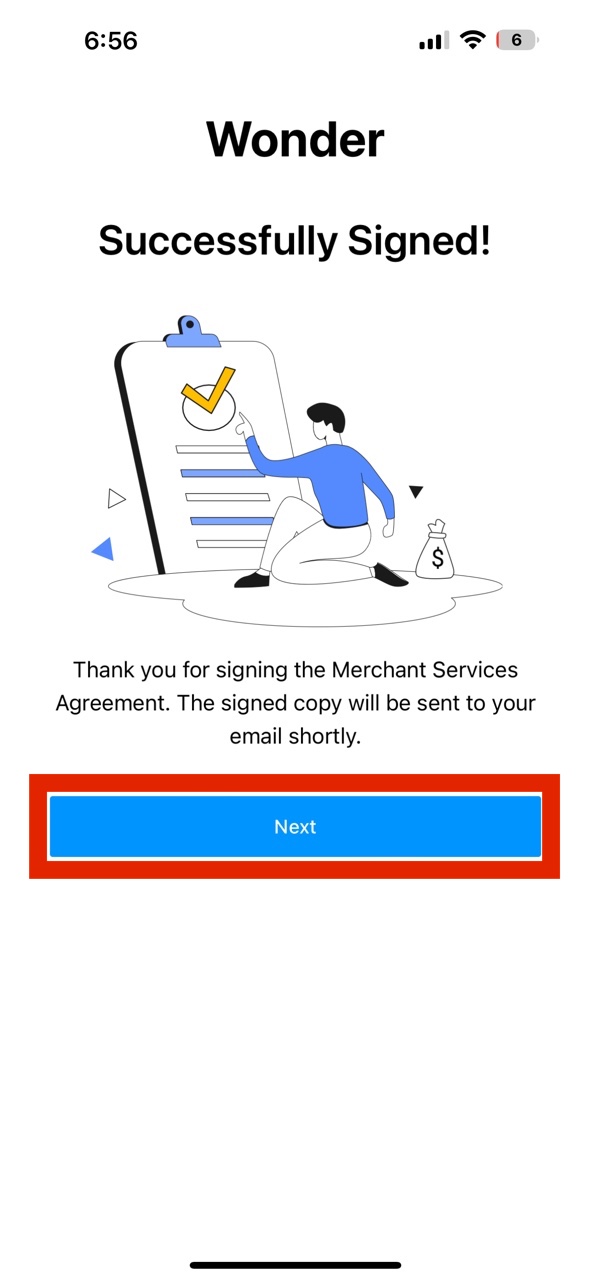
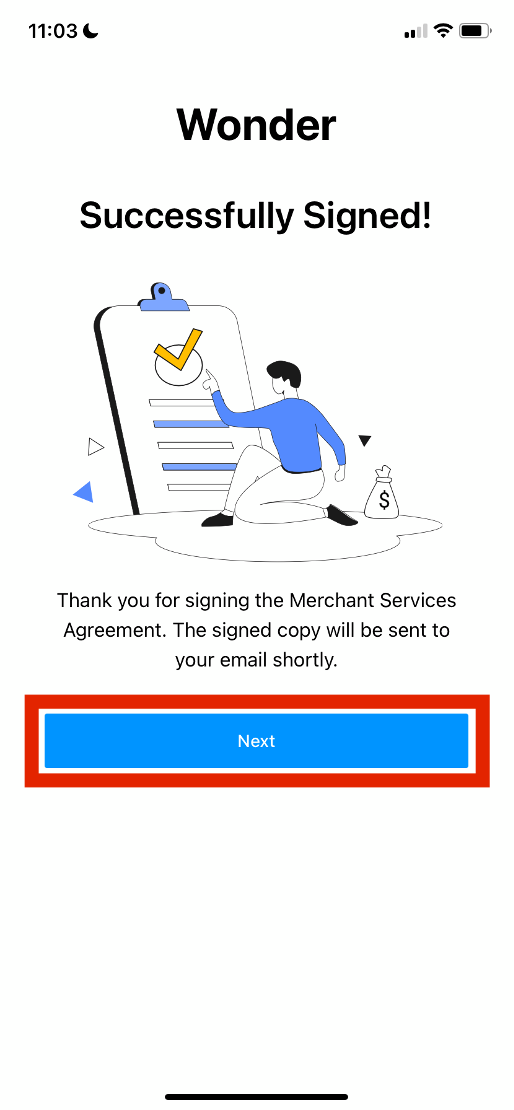
- Congratulations! You have successfully signed, click “Next”
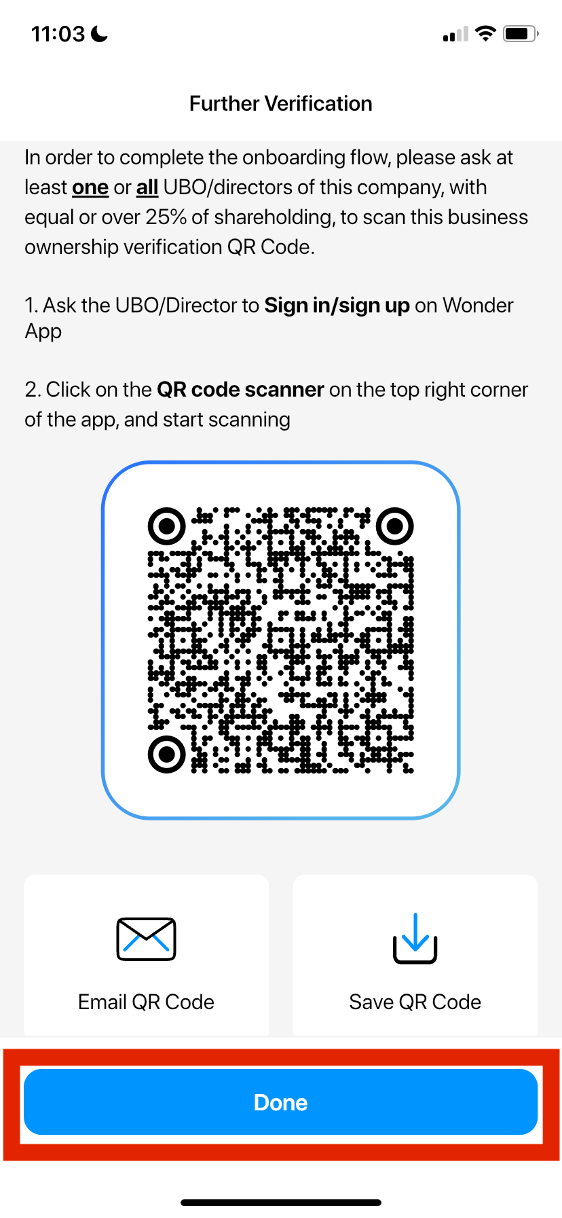
- If you are not the UBO/directors of the company, with equal or over 25% of shareholding, you will have to share this invitation with the them in order to complete the onboarding.
UBO/Director Verification Process
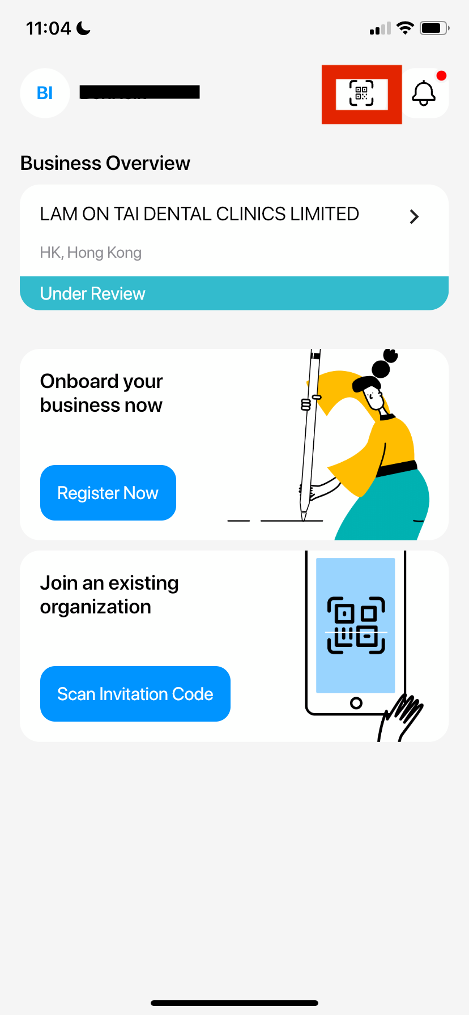
- Sign in with Wonder app, and click on the QR Code Scanner button on the top right corner of the screen.
- Scan or Import QR Code.
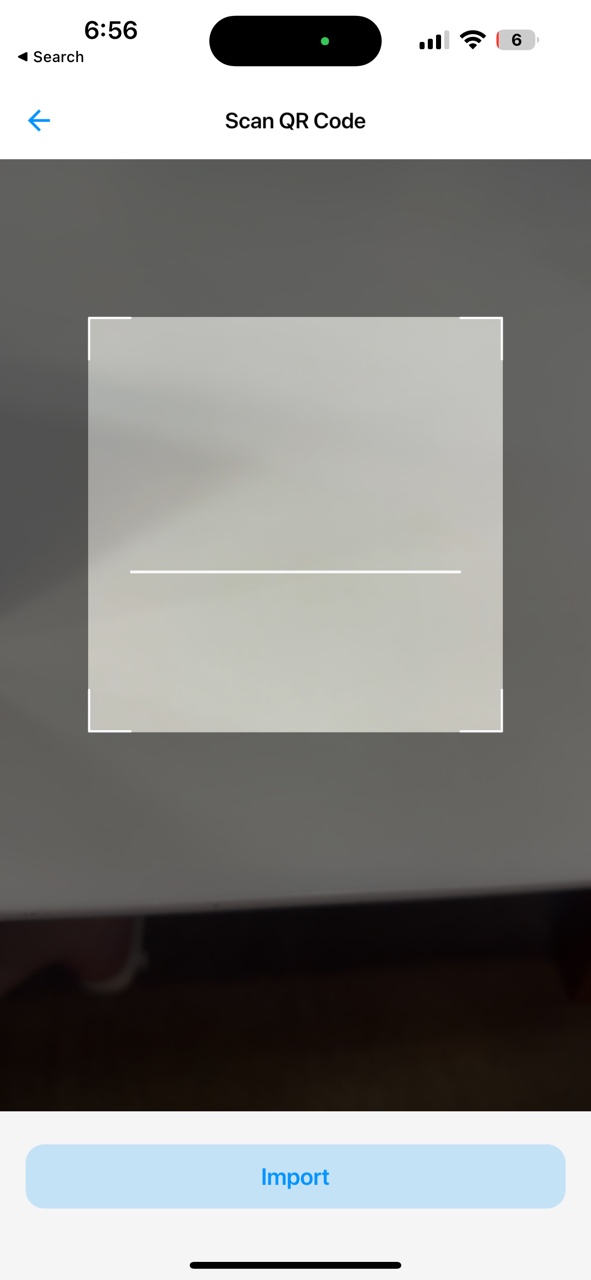
- Confirm the Business that user is verifying as Director/UBO
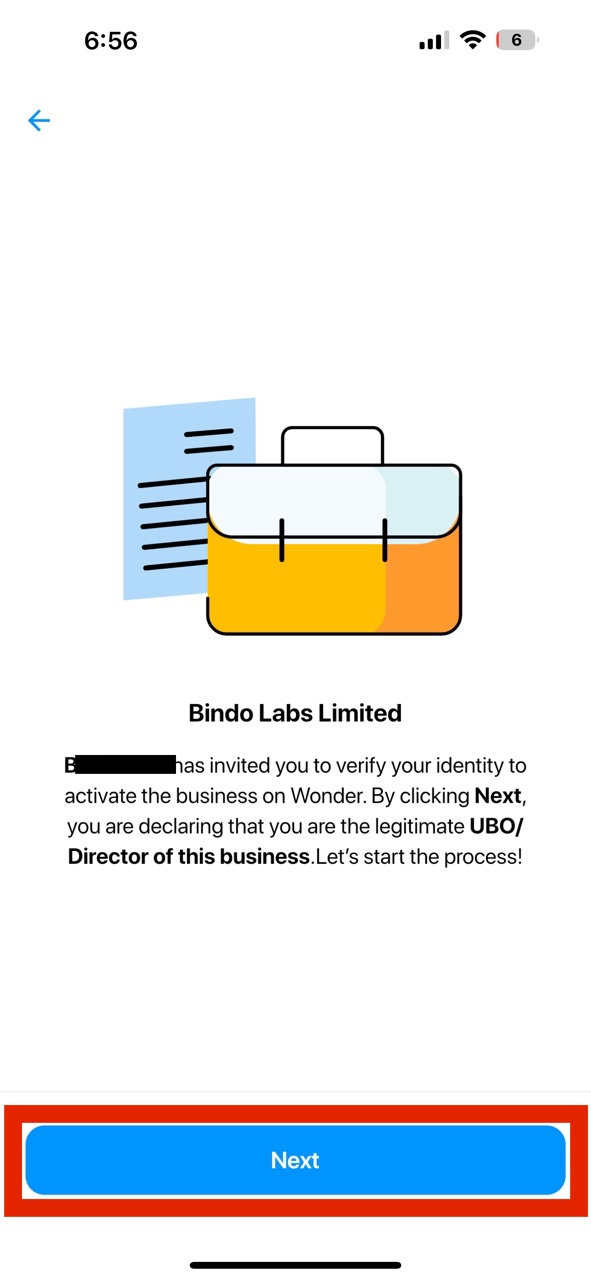
- Confirm the business information.
- Confirm and sign the Merchant Services Agreement (MSA)
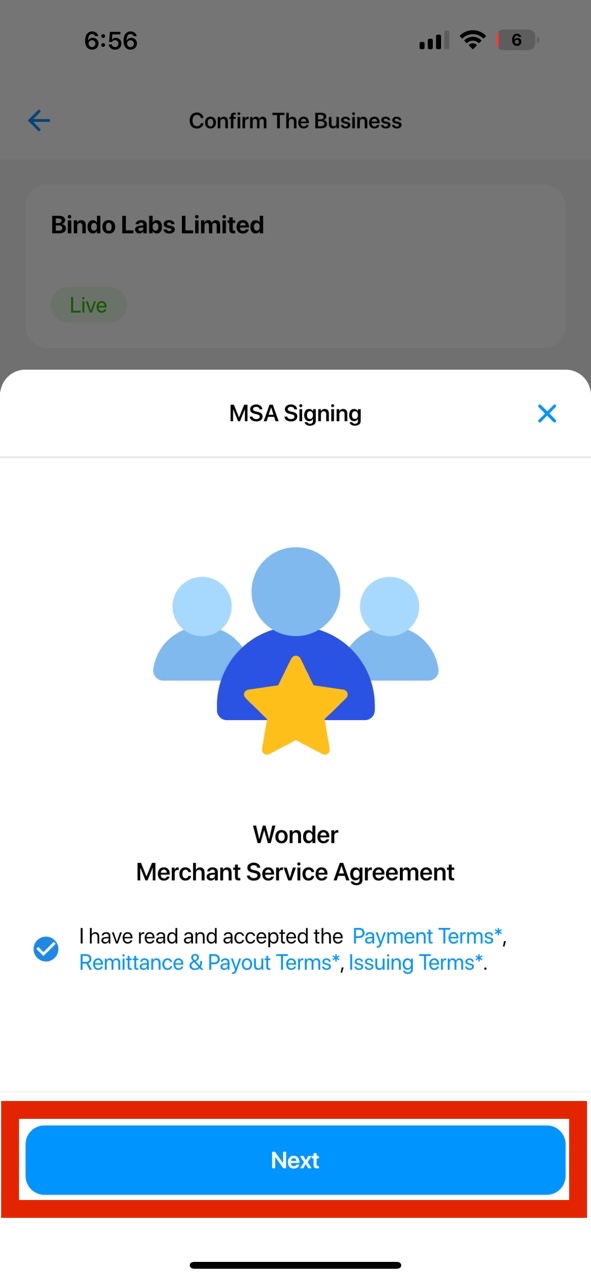
- Sign the MSA.
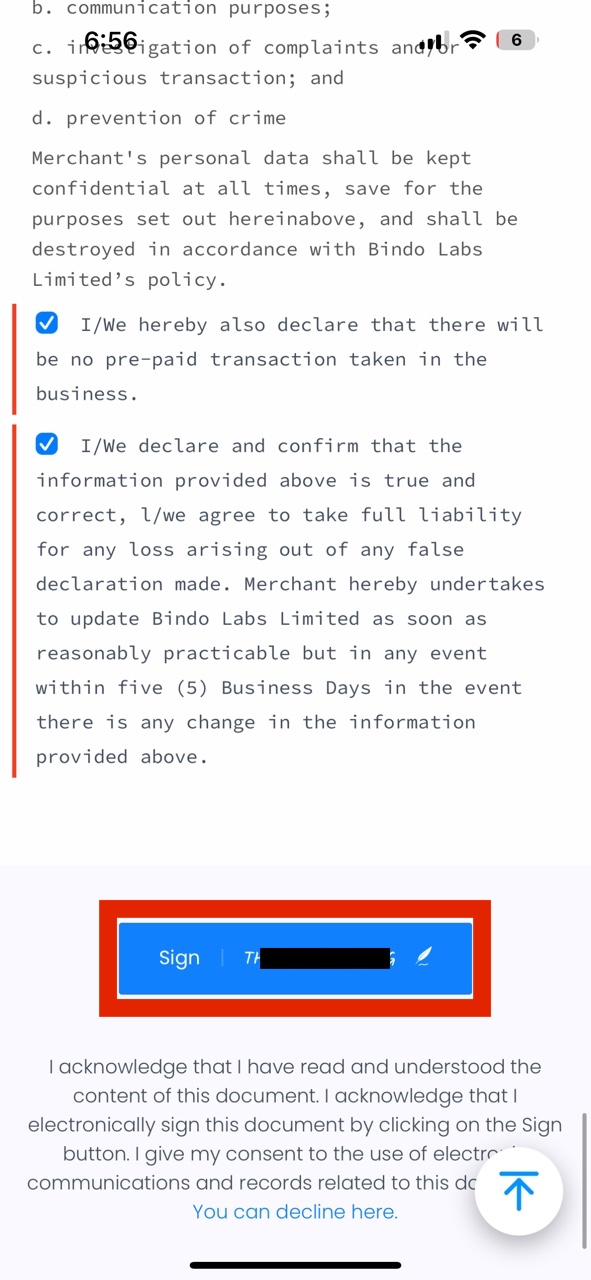
- Complete the flow and user will see the business application block in their Personal Space with the updated application status.