如何取得並分享 Paystation 鏈接
分享 Paystation 連結的逐項指南
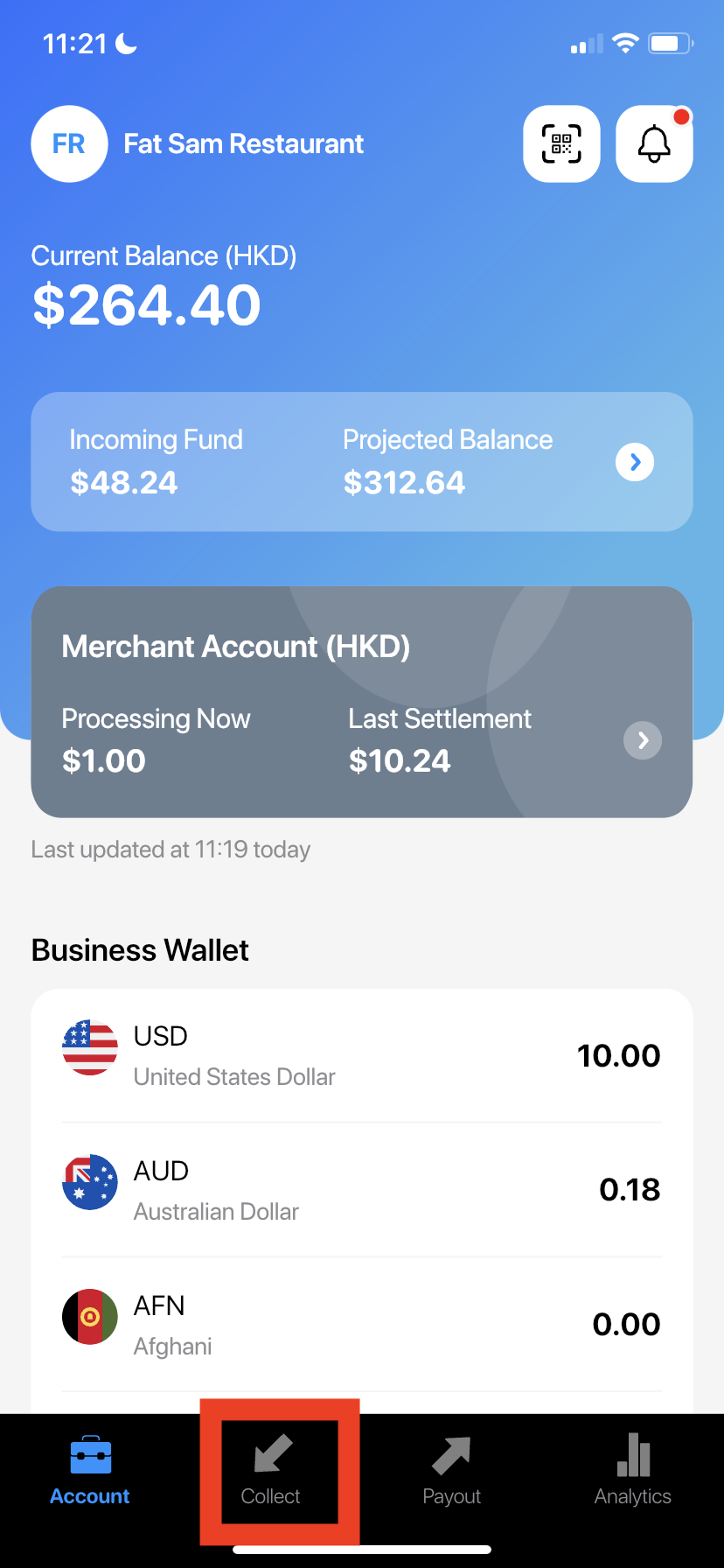
- Go to Wonder App and select the store you would like to collect money from and press "Collect" in the bottom bar
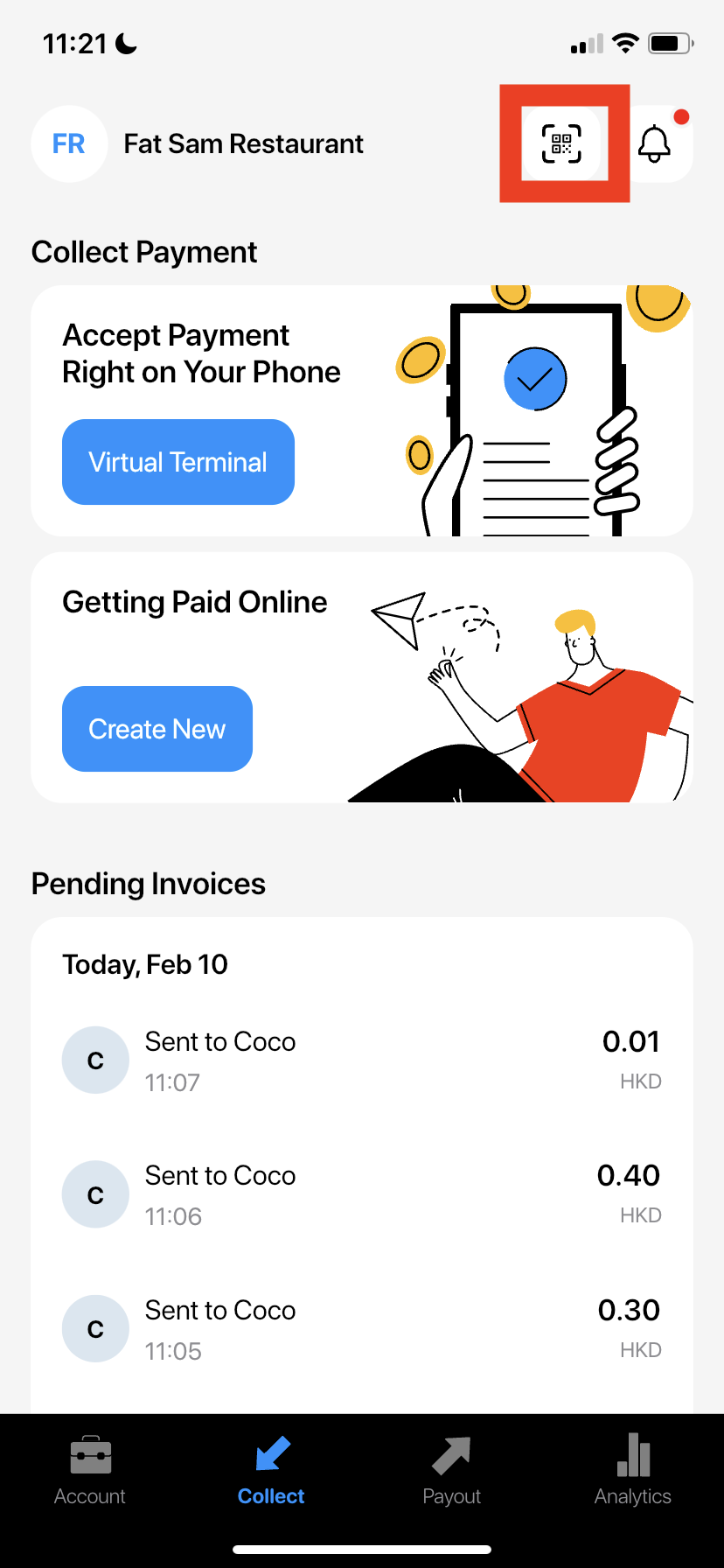
- Press QR code icon on the top right
- Press "Share QR Code"
- You can choose an app to share the QR code or simply "Save Image" to share in another platform
- Your customer can scan the QR code to pay you via Paystation Link. They can set the amount they desire and even choose to add tips or not
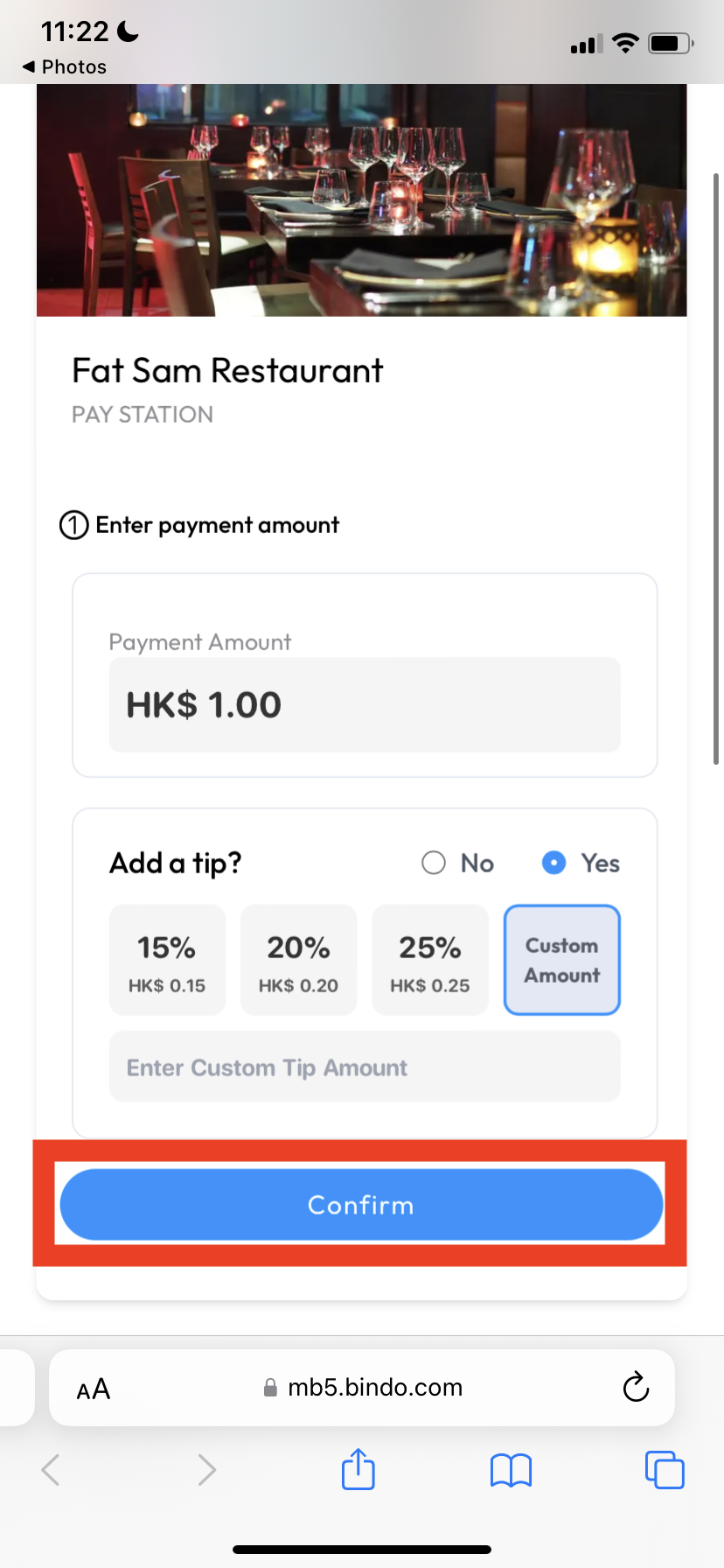
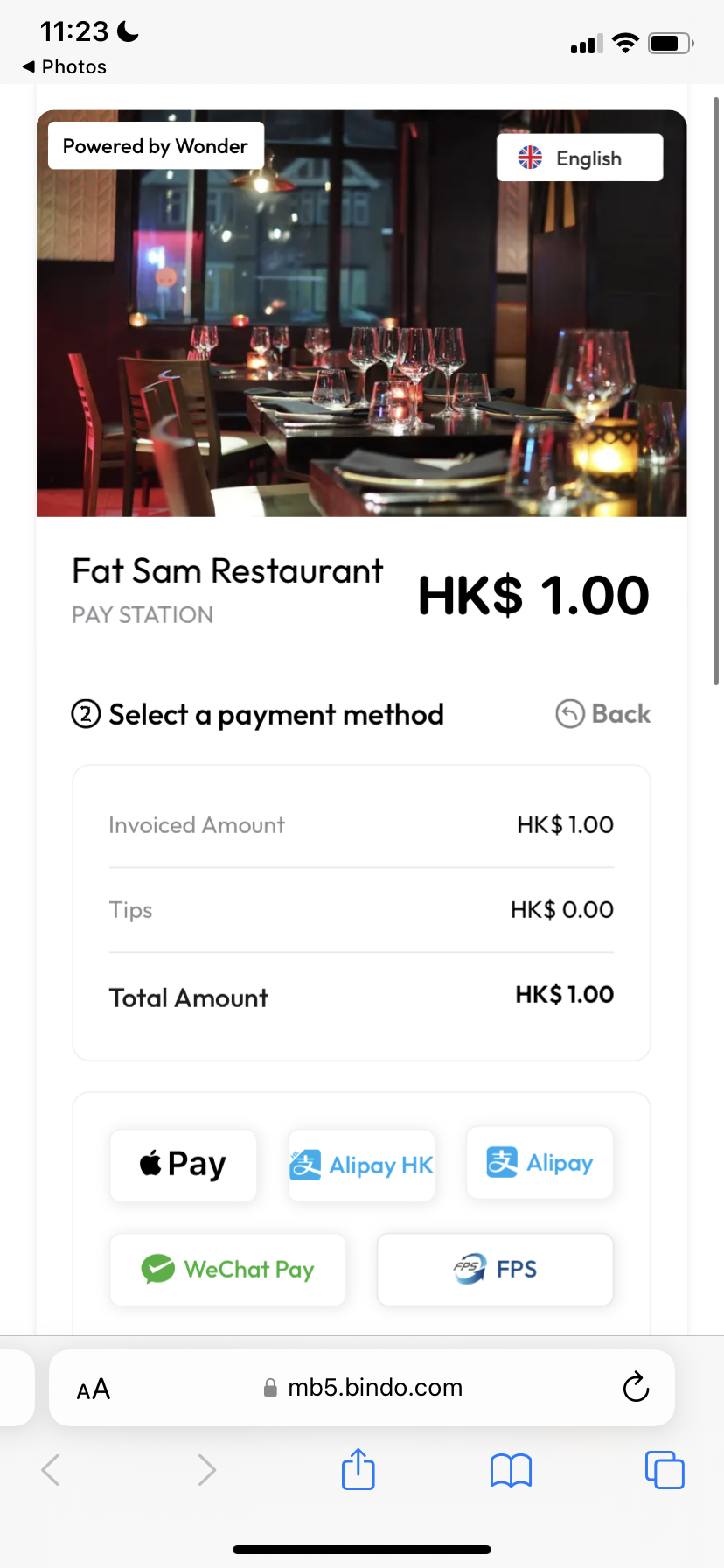
- Once your customer set the amount, they can choose the payment method to pay
- Payment Success
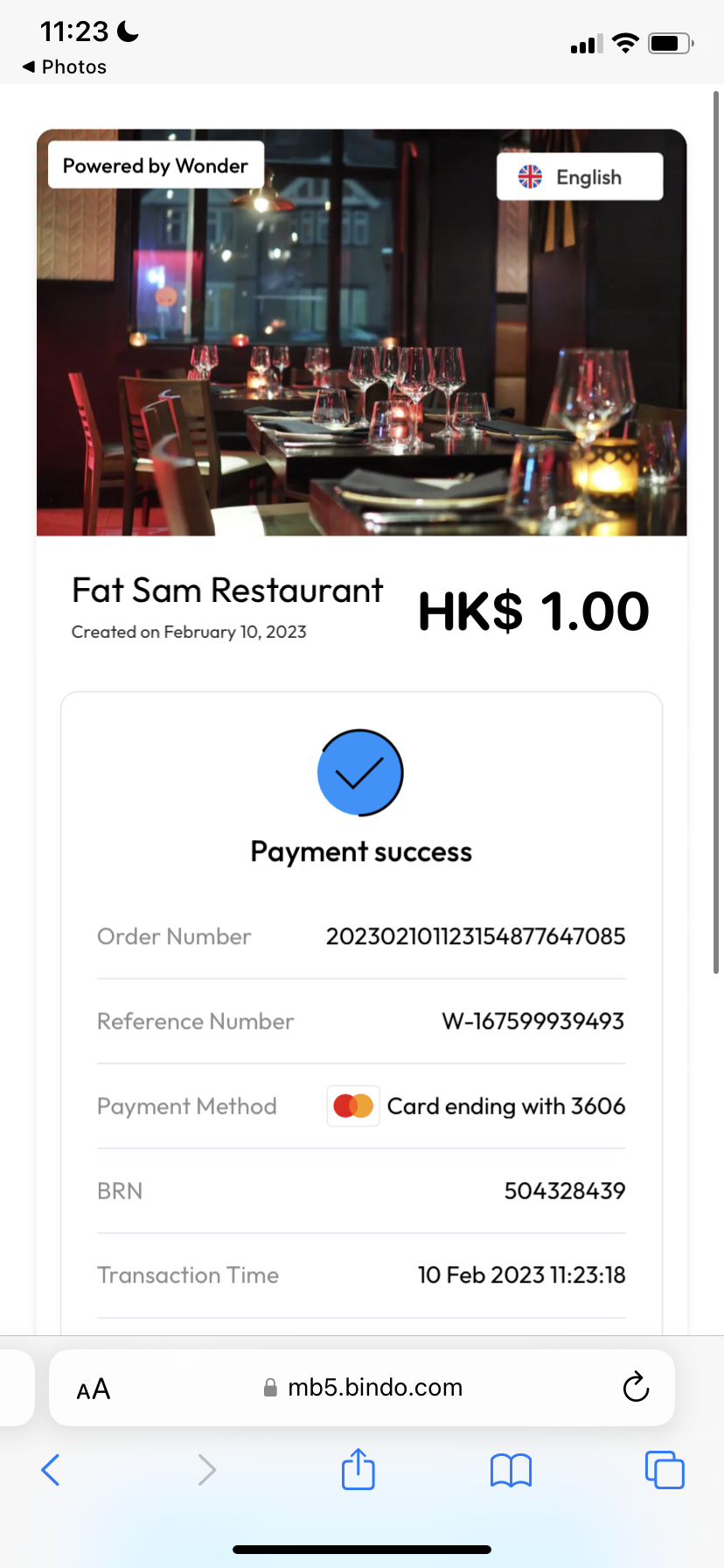
- You will receive a notification of the successful payment

如何查看收款
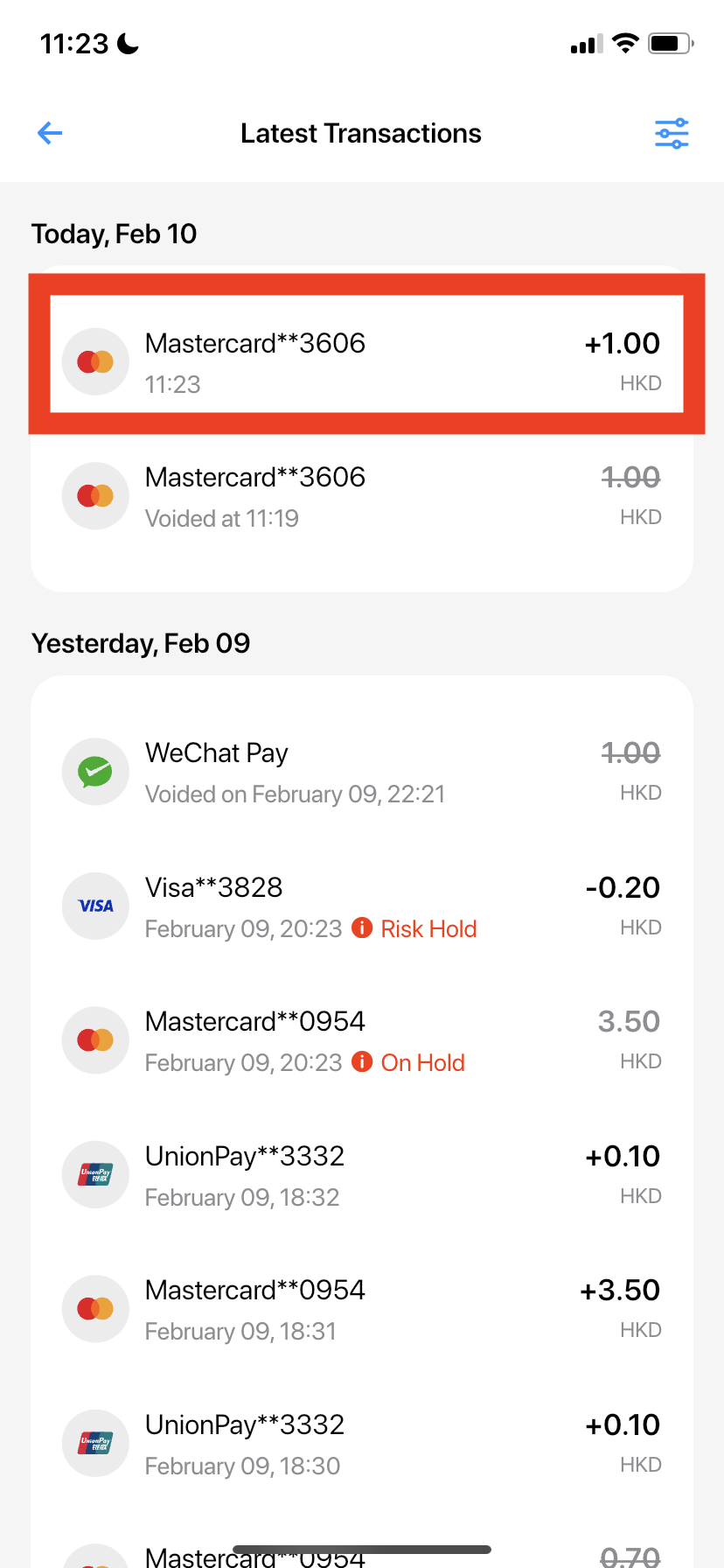
- Go to "Collect" page and scroll down to "View All" Latest Transactions
- You will be able to see all the successful transactions here, you can select one to see more details
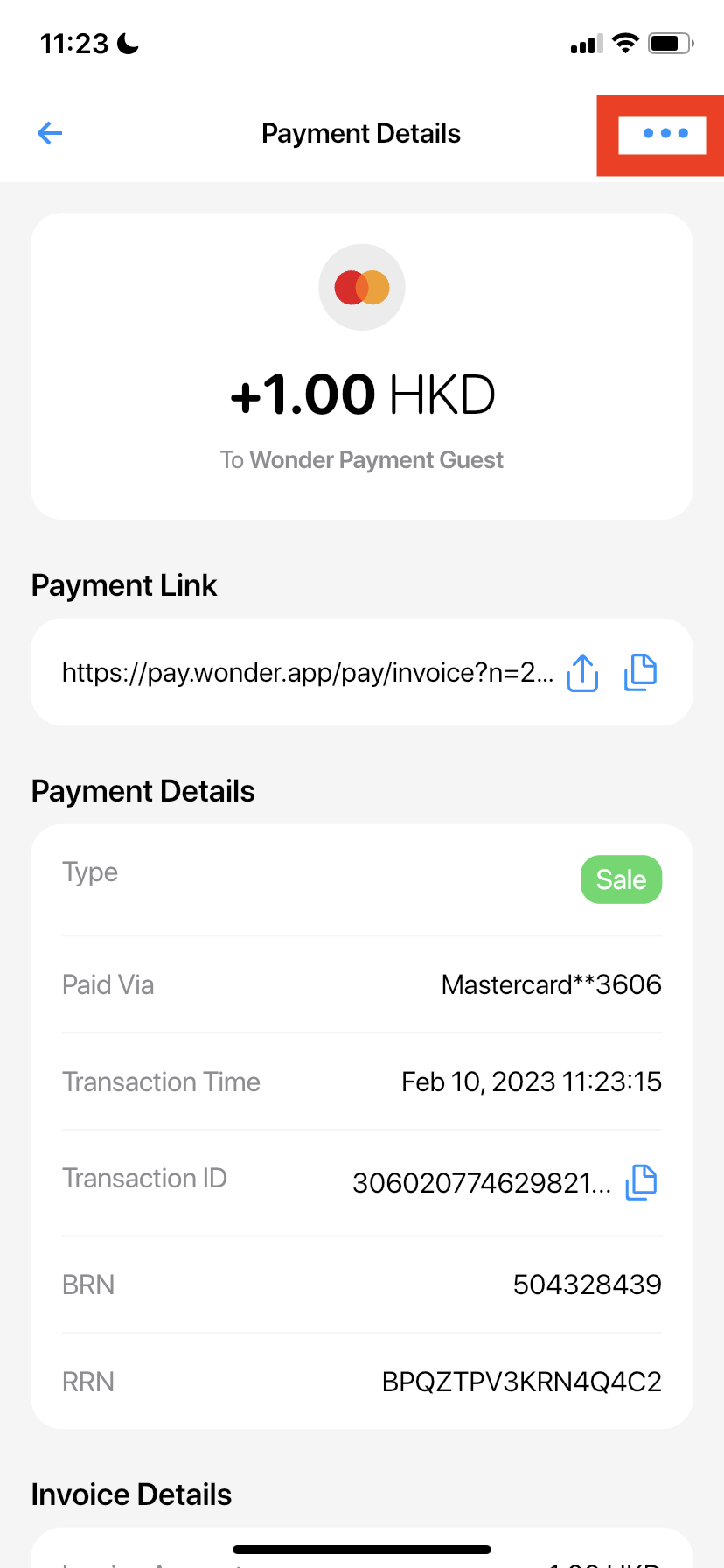
- You can press "..." on the top right to "Void/Refund Payment" or "Share PDF Invoice"